



When someone searches for a dermatologist, can they quickly find the treatments they need and book an appointment on your website? If the answer is no, they may leave and choose another option.
A responsive, easy-to-navigate dermatology website design helps patients understand your services and find the care they need. Usability, trust signals, and simple booking options each affect how many visitors become appointment requests.
This guide covers practical dermatology website design tips and seven real websites worth studying. We’ll look at what each practice gets right, from homepage layouts and treatment navigation to patient reviews and appointment booking, and how you can apply those ideas to your own website.
How to Design a Dermatology Website That Converts Visitors into Patients
Your website should make it easy for patients to find the information they need and feel confident about contacting your practice. These four design decisions can make a noticeable difference.
1. Create a Clear and Professional Homepage
Your homepage needs to answer three questions right away: what you treat, where you practice, and how to book. A clear headline such as “Medical and Cosmetic Dermatology in [City]” tells visitors far more than a vague slogan does. That clarity forms the foundation of effective dermatologist website design.
Place your location, a short introduction to your providers, and a prominent “Book an Appointment” button above the fold. Cluttered layouts and stock photos weaken this first impression, while consistent branding and real practice photos strengthen it.
2. Organize Treatment Pages and Website Navigation
Patients rarely visit a dermatology website just to browse a list of everything the practice does. Most arrive with a specific concern or treatment in mind. Your navigation should reflect that.
Create separate pages for eczema, psoriasis, skin cancer screenings, Botox, and laser treatments, and explain the condition, the treatment options, and what to expect. Group those pages under simple labels like “Medical Dermatology” and “Cosmetic Services” so visitors reach what they need in one or two clicks.
Dedicated service pages also strengthen your search visibility, which makes them a core part of medical practice website design. Professional SEO services can help those pages reach patients who search for each treatment by name.
3. Build Trust With Provider Profiles and Patient Reviews
Choosing a dermatologist is a personal decision. Provider profiles should list board certifications, training, areas of focus, and a friendly professional photo.
Show genuine patient reviews from platforms like Google, and never post fake or purchased ones. Honest feedback protects both your reputation and your compliance. The FTC’s rule banning fake reviews addresses deceptive review practices, making authenticity especially relevant for businesses displaying testimonials.
Real photos of your office and team help visitors picture their first appointment. If your site collects patient information through forms, HIPAA-compliant website design can help protect that data.
4. Make Appointment Booking Simple on Mobile
Many patients search for dermatologists on their phones, so your site has to work well on small screens. Use a responsive layout, keep a “Book Now” or “Call Us” button visible, and add click-to-call phone numbers. Short appointment forms that ask only for what you need to follow up give visitors fewer reasons to quit before they finish.
Practices offering cosmetic treatments can also benefit from med spa website design that makes it easier for patients to explore services and book appointments.
5 Dermatology Website Design Features Patients Look For
Beyond the overall layout, certain website features make it easier for visitors to decide whether your practice is the right fit. Here’s what deserves a place on your website.
1. Clear Service and Treatment Information
Patients want to know whether you treat their concern before they reach out. Plain language explanations, scannable headings, and short FAQs on each treatment page make that answer easy to find.
2. Doctor Credentials and Reviews
Qualifications and honest feedback from other patients reassure visitors. Place credentials, professional memberships, and review highlights near your booking options so they support the decision to schedule.
3. Before-and-After Treatment Photos
For cosmetic services, galleries show visitors what results might look like. Share only photos from patients who gave documented consent, since HHS has enforced written HIPAA authorization requirements when practices post identifiable patient photos and testimonials. Organize galleries by treatment, add a note that individual results vary, and ask your compliance advisor how these rules apply to your practice.
4. Easy Appointment Booking
Visible calls to action, short forms, and easy-to-find contact details make the next step simple. Show your phone number, address, and hours on every page, and link clearly to online scheduling if you offer it.
5. Mobile-Friendly Design
On smaller screens, patients need readable text, large buttons, simple menus, and pages that load quickly. A mobile-friendly layout keeps booking options within reach as visitors scroll, which makes it a core part of healthcare website design.
7 Dermatology Website Design Examples Worth Studying
The best way to see effective dermatology website design in practice is to examine real websites. These seven examples stand out for different reasons, from easy appointment scheduling and service navigation to provider profiles and patient resources.
1. Modern Dermatology of Connecticut: Clear Services and Appointment Booking
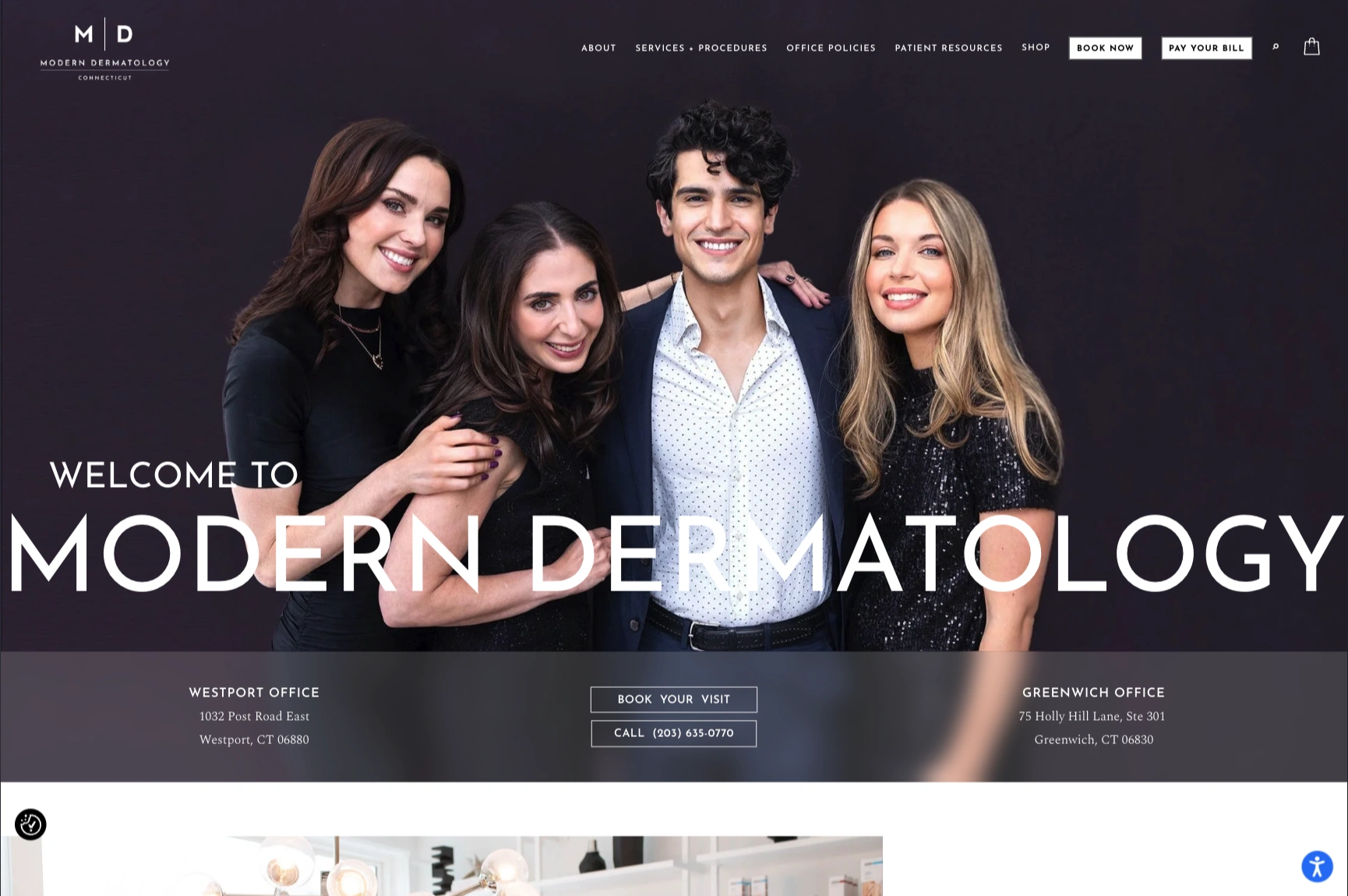
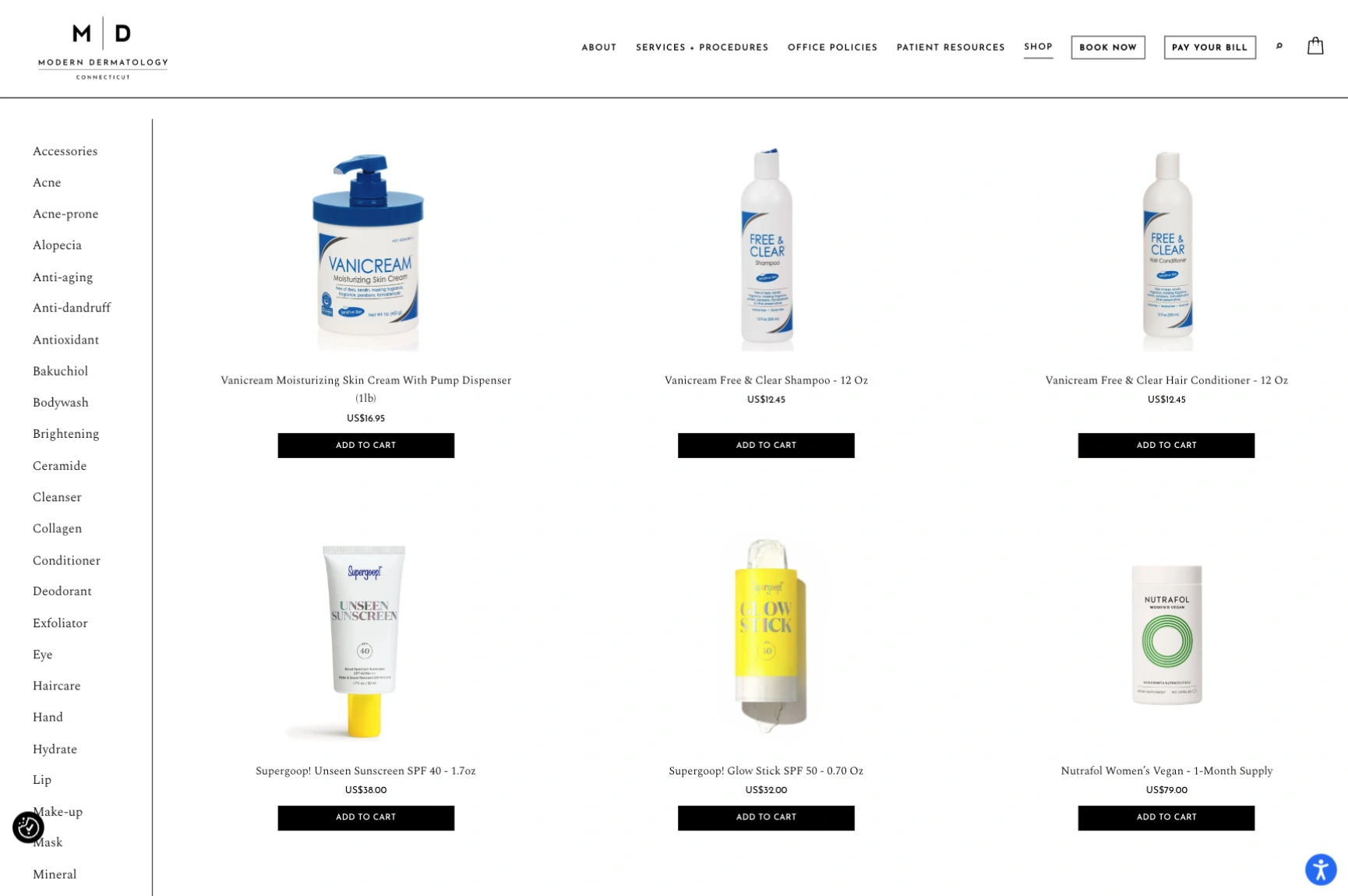
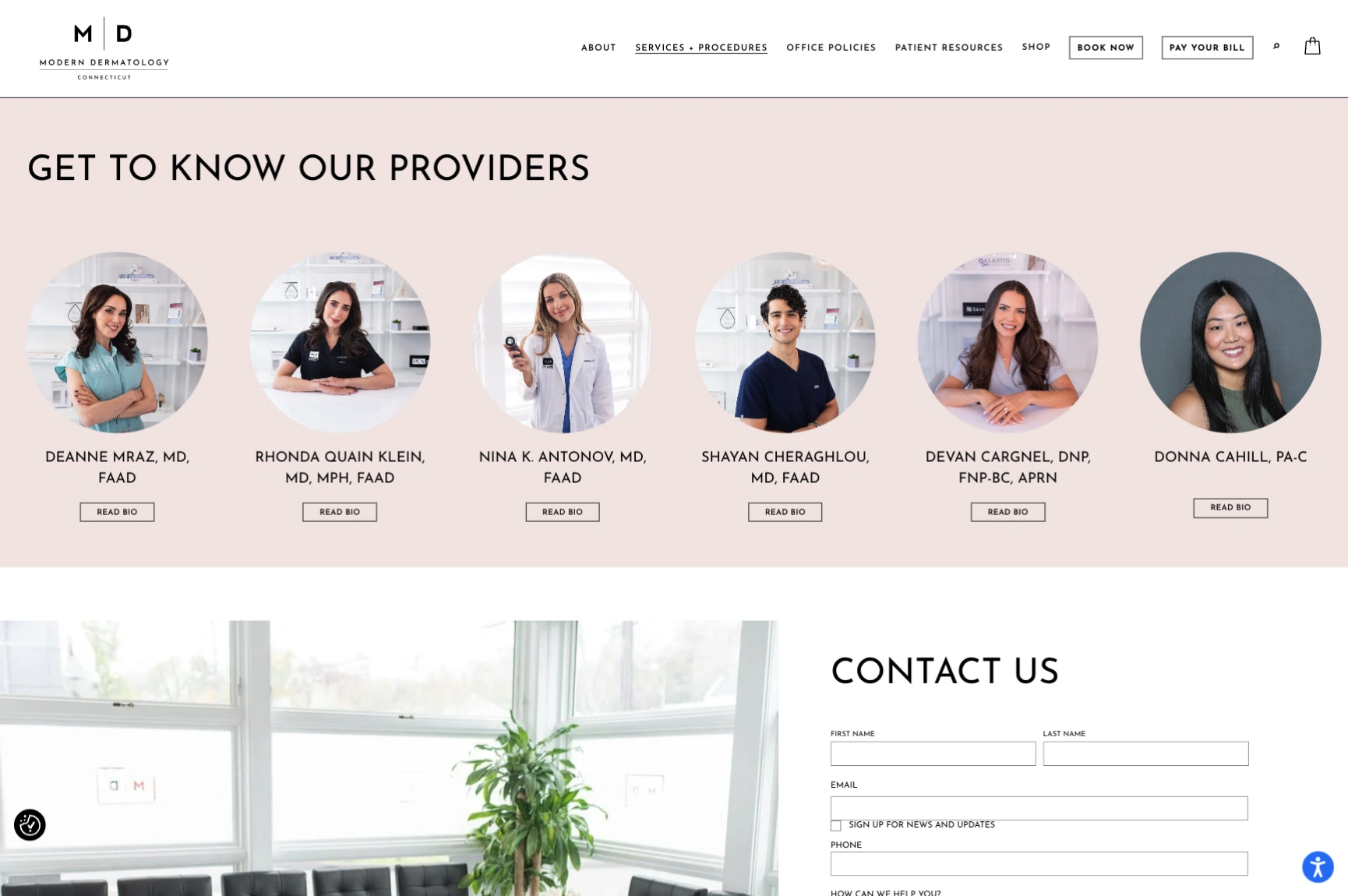
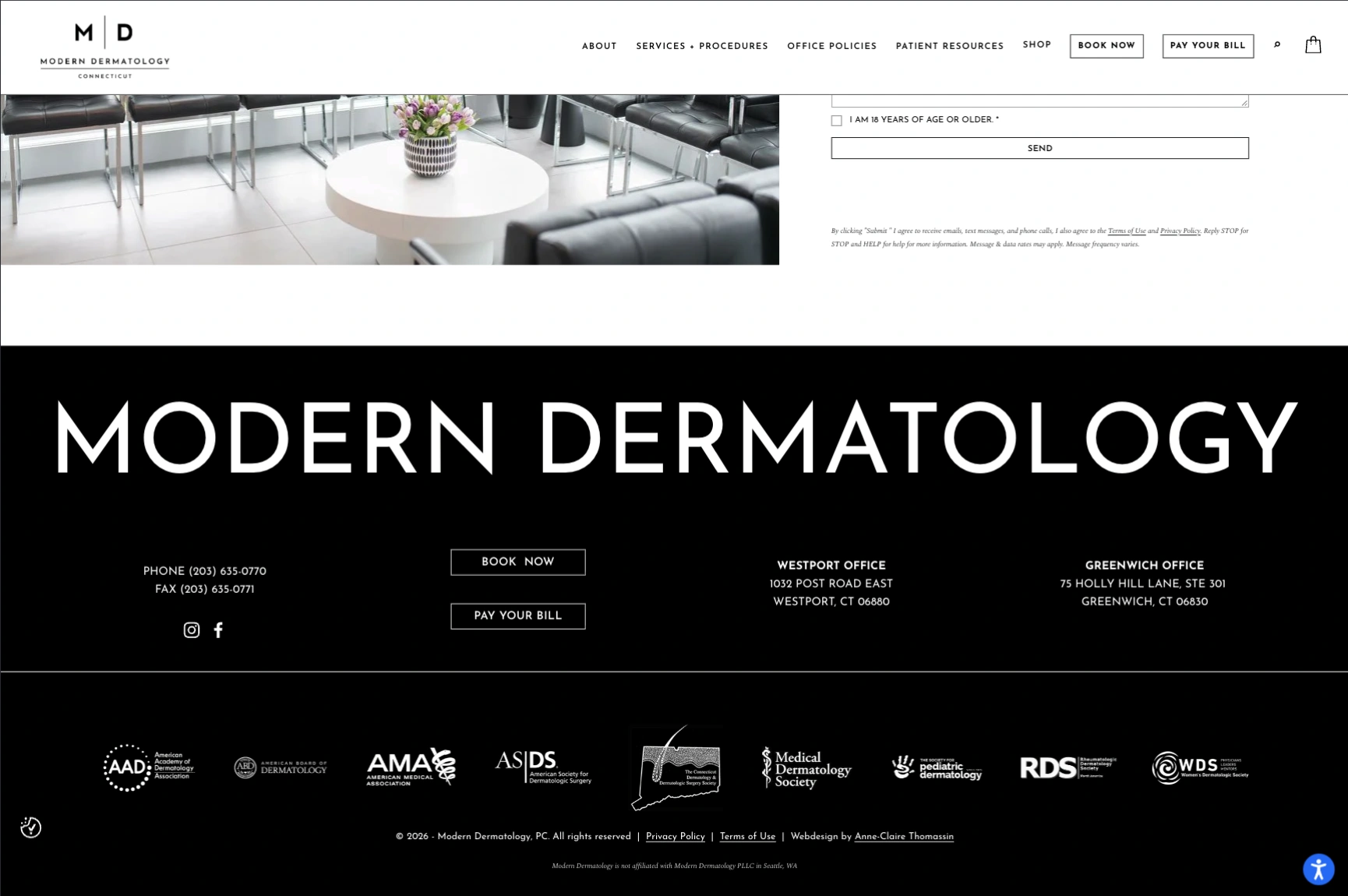
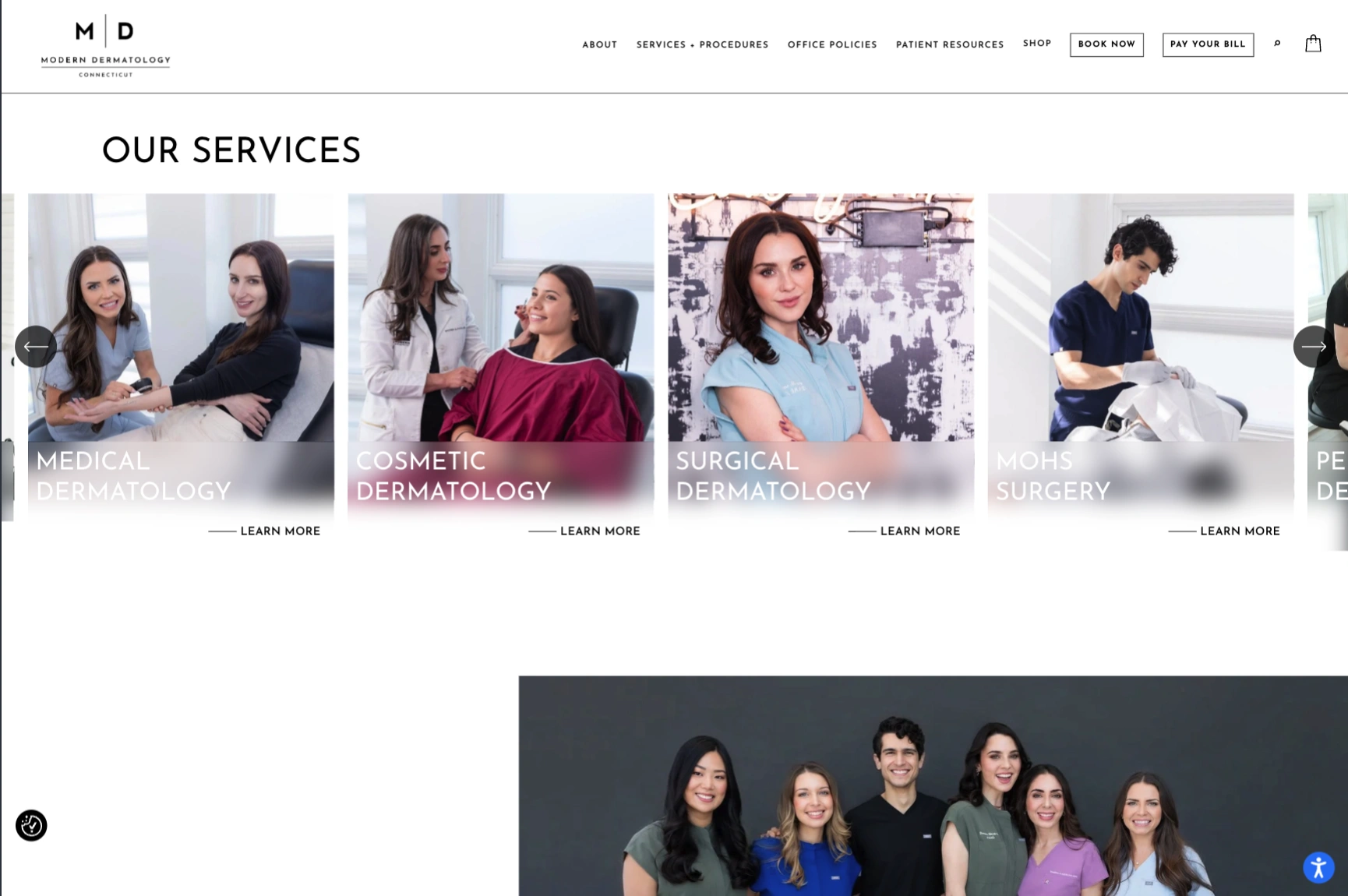
Modern Dermatology of Connecticut uses a clean, spacious design that feels professional without being overly clinical. The homepage introduces the practice, identifies its Greenwich and Westport locations, and provides a visible “Book Your Visit” option.
The services are organized into medical, cosmetic, and surgical dermatology, so visitors can quickly find the kind of care they need. Patients can also read about telehealth, insurance, billing, and office policies.
The website balances a polished look with practical patient information. It shows that a dermatology practice can keep a premium feel without making it hard to book or find services.
2. Dermatology Arts: Patient Reviews That Build Confidence
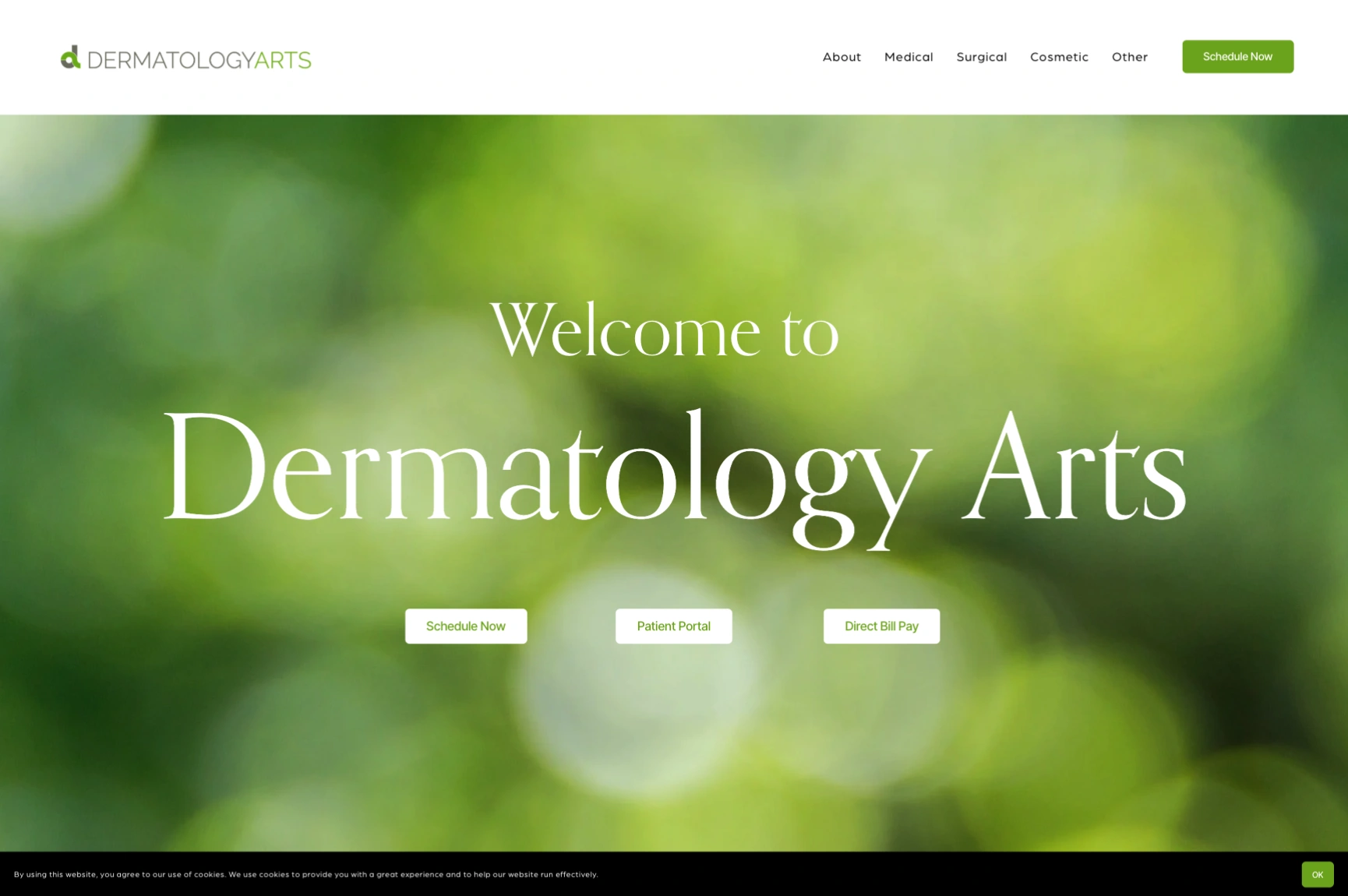
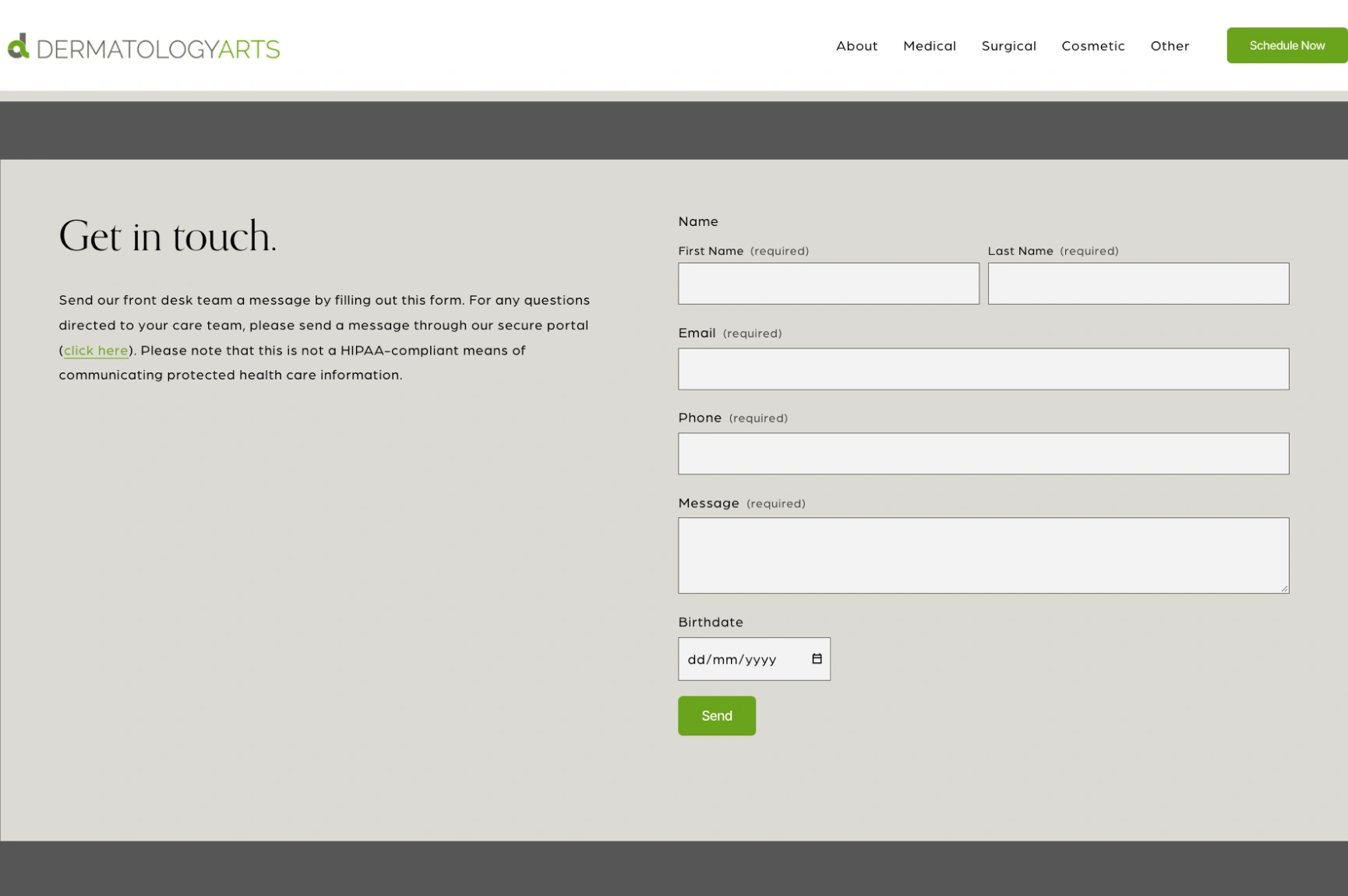
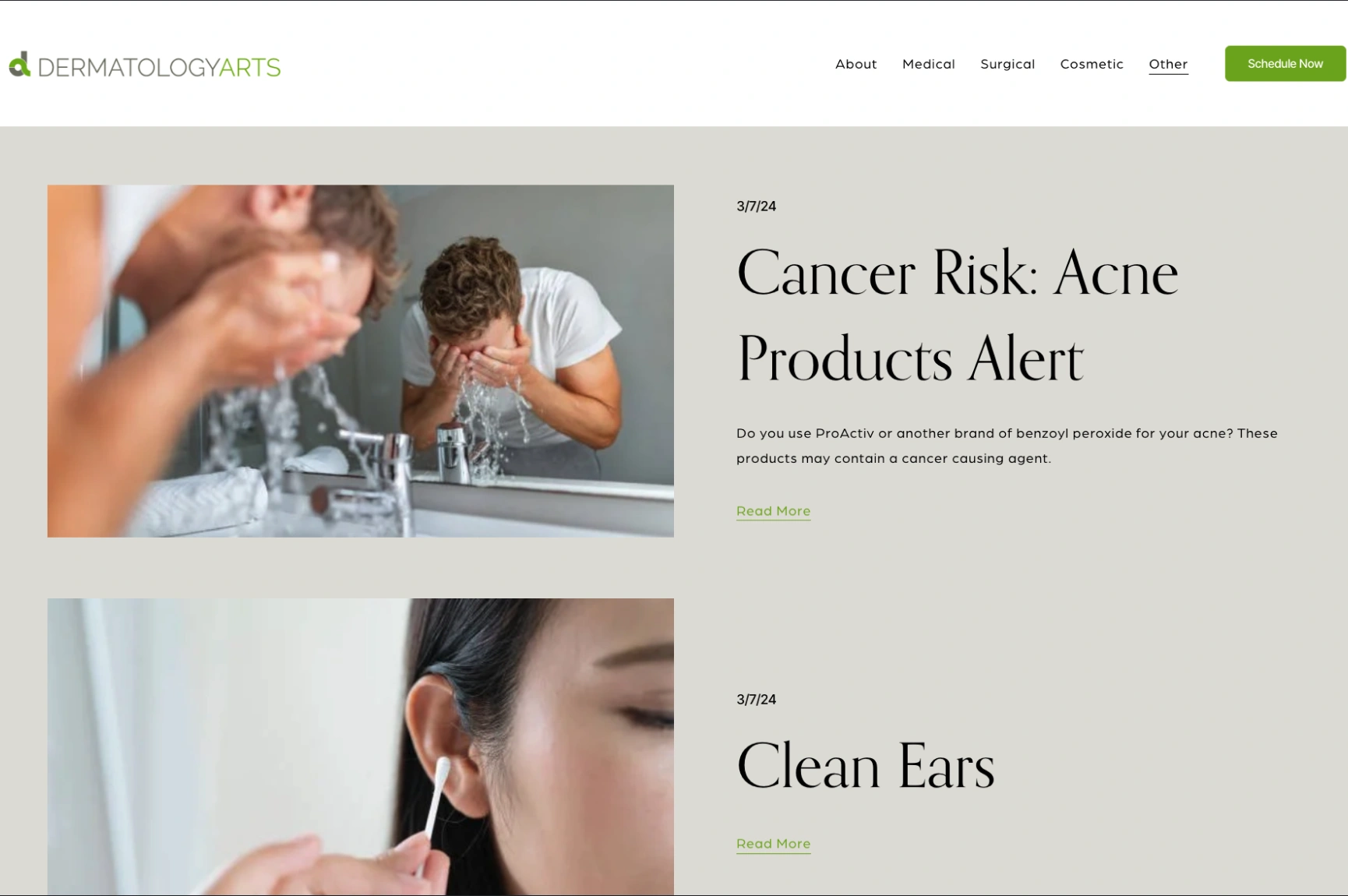
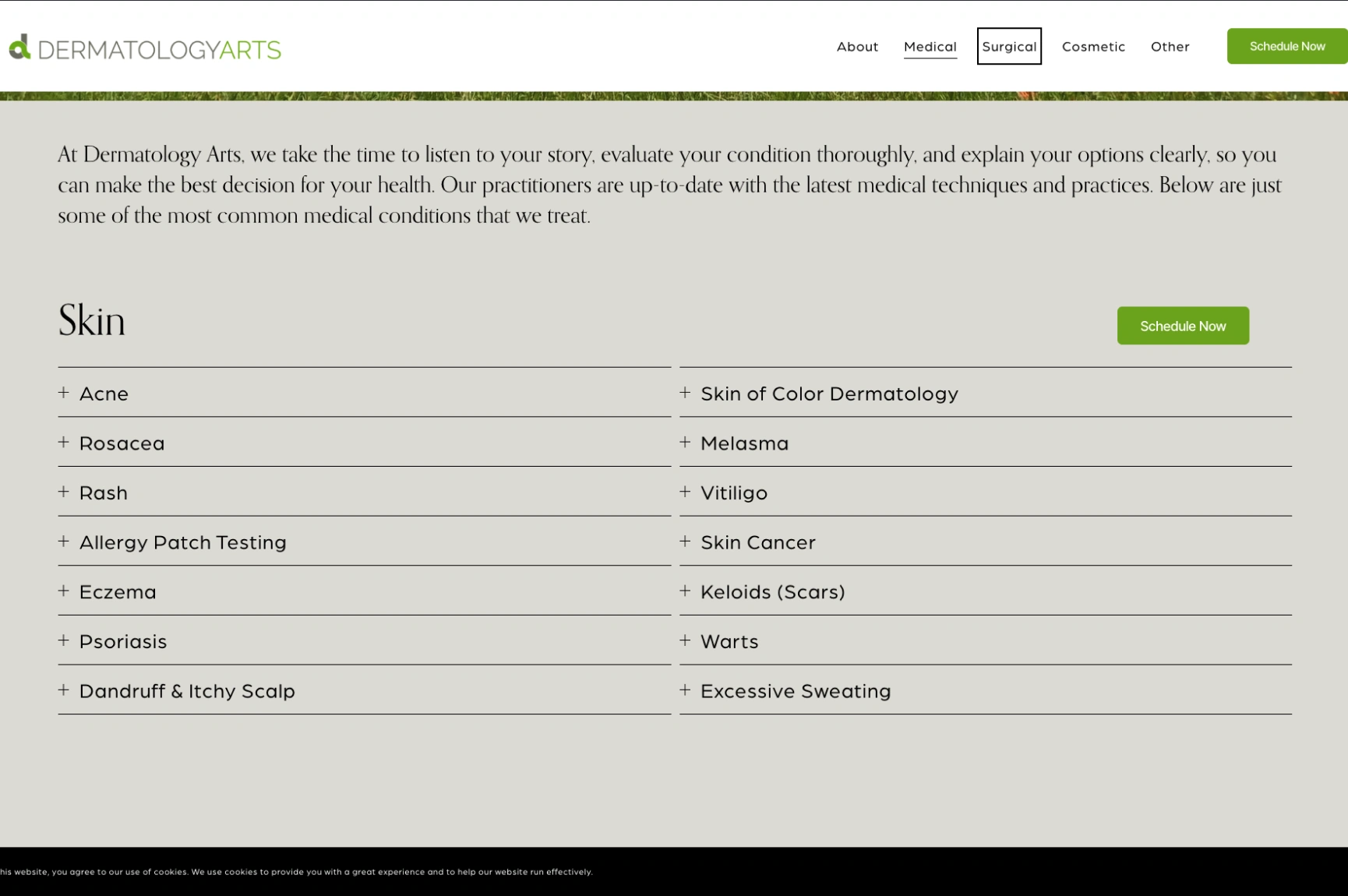
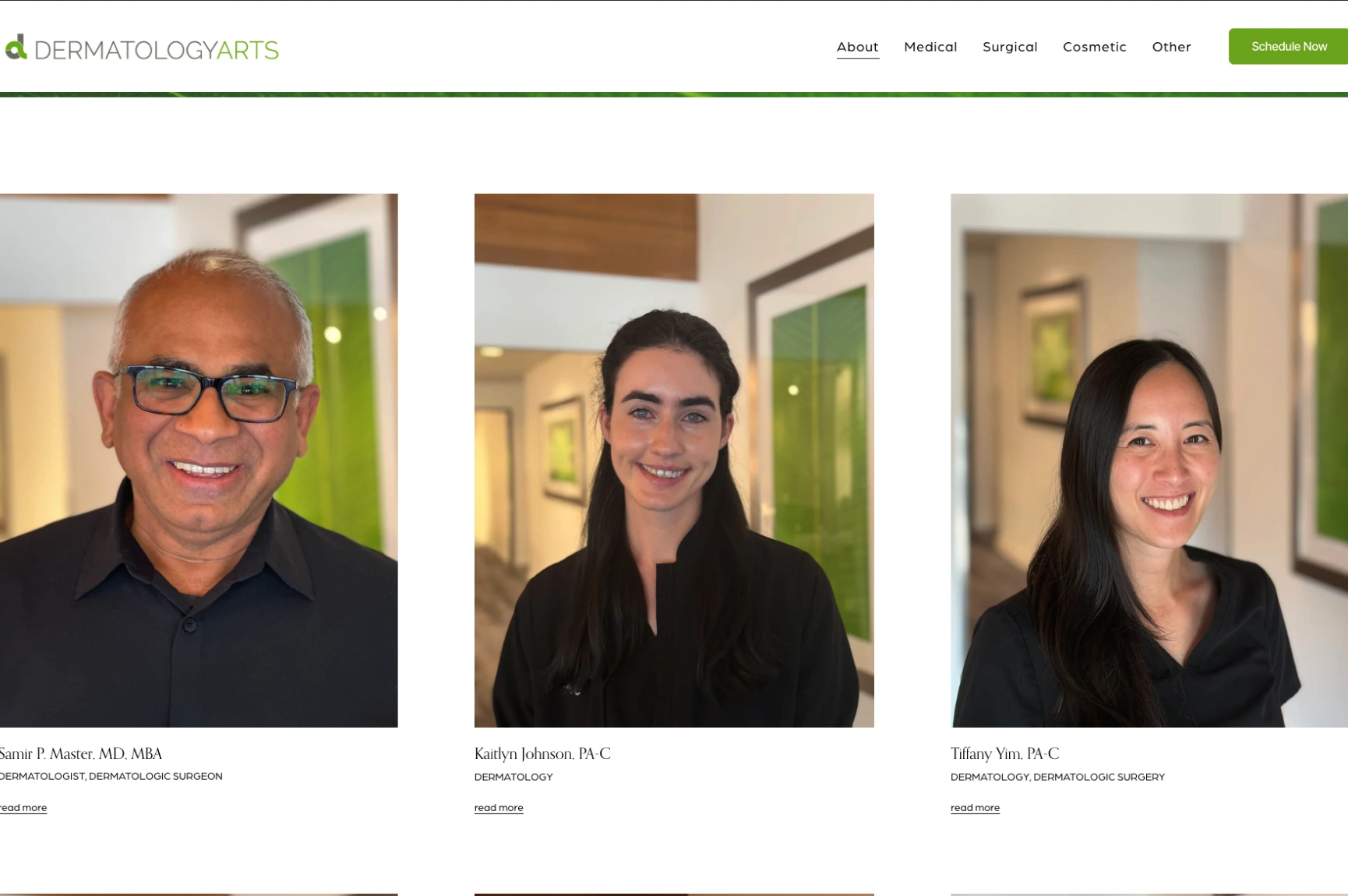
Dermatology Arts in Bellevue, Washington, keeps its website simple and easy to follow. The homepage introduces its medical, surgical, and cosmetic services in separate sections, each explaining what the practice treats.
The standout is a patient feedback section highlighting more than 3,000 reviews across Google and Zocdoc. Scheduling, the patient portal, and bill payment are all just as easy to find.
By combining service information, patient feedback, and scheduling in one place, the site gives prospective patients plenty of reasons to feel confident reaching out, without overwhelming them. The lesson here is to place authentic reviews close to your services and appointment options to help patients size up your practice and take action without leaving the page.
3. Metropolis Dermatology: Strong Branding and Location-Specific Booking
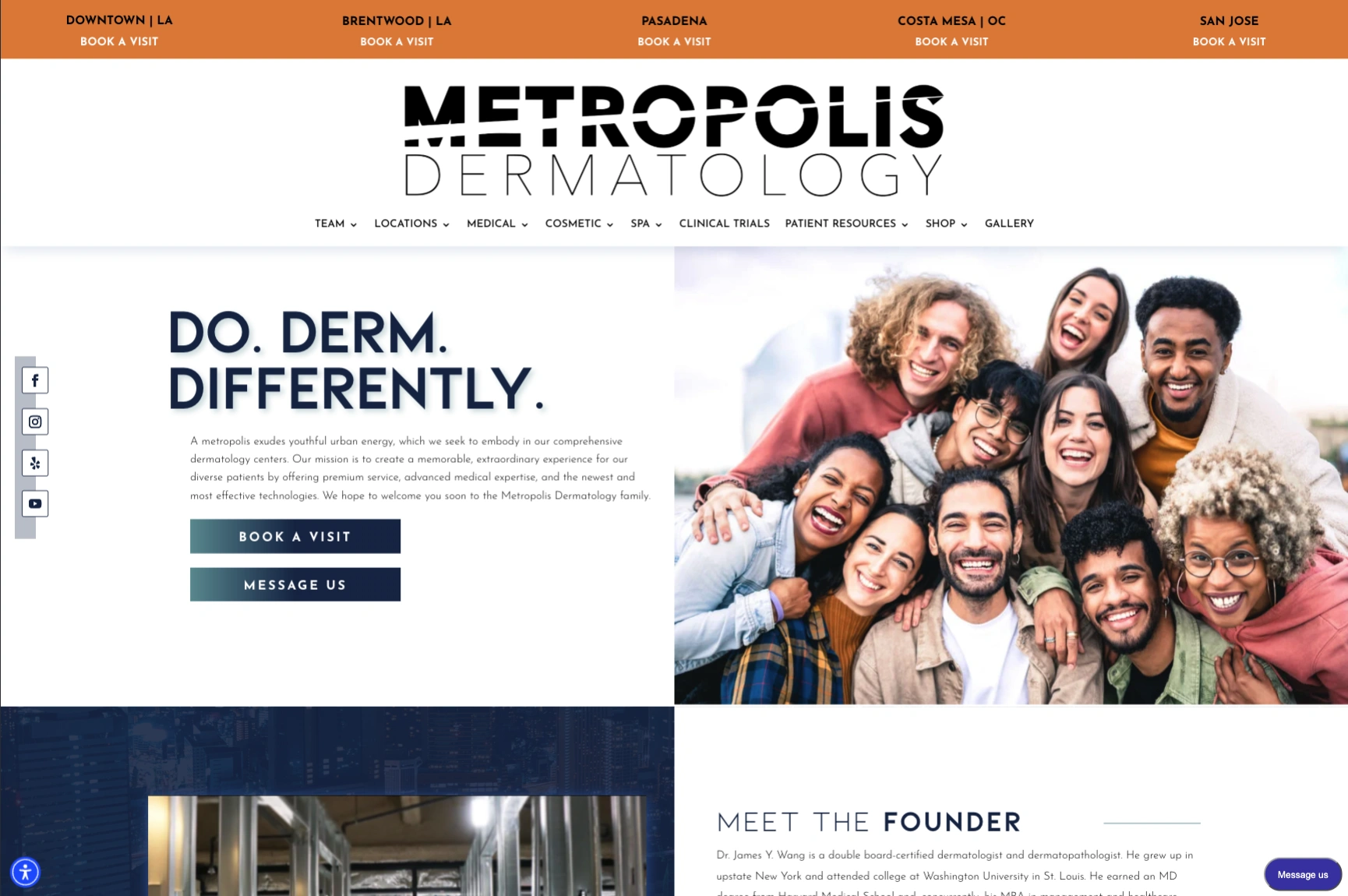
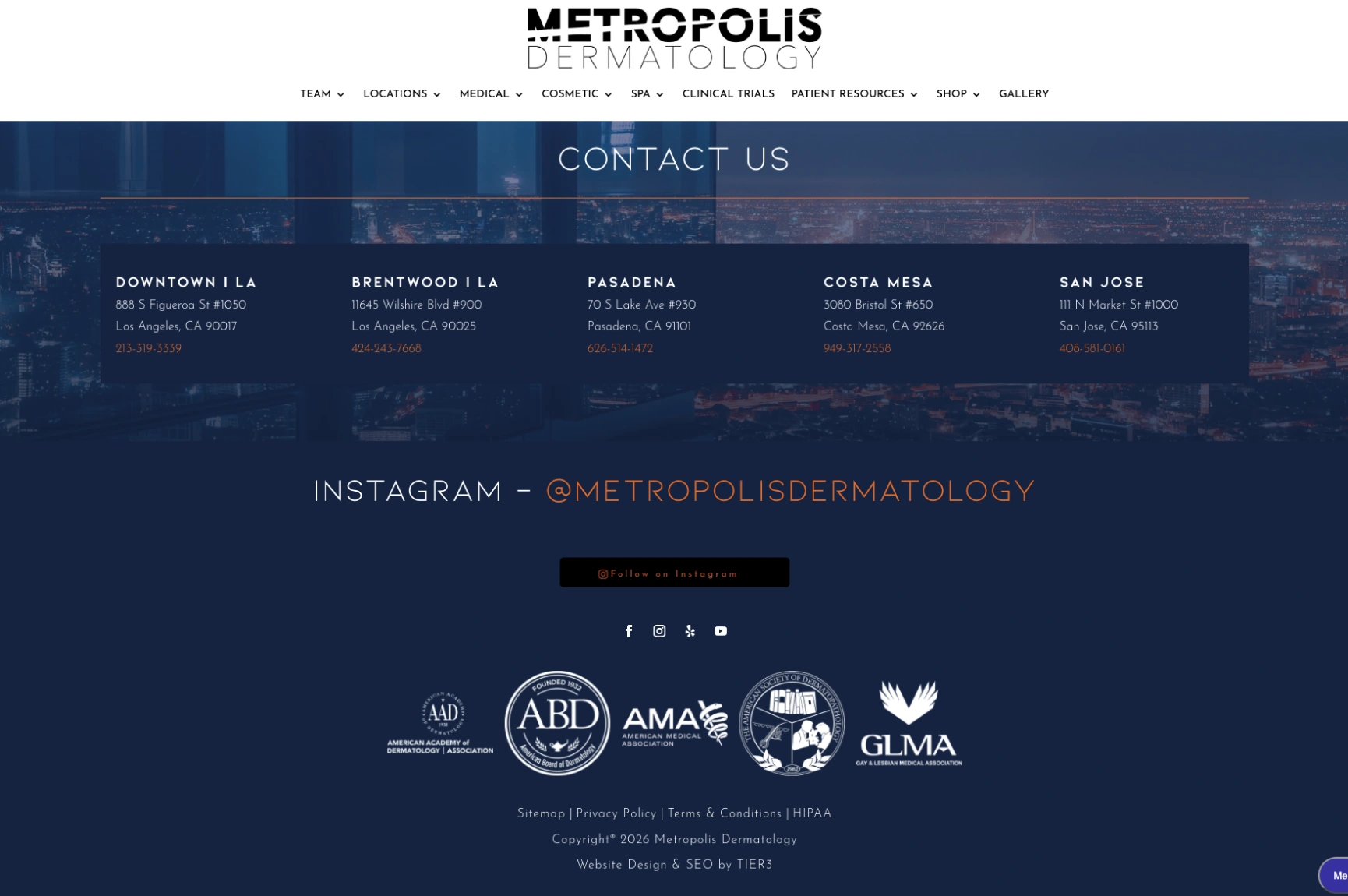
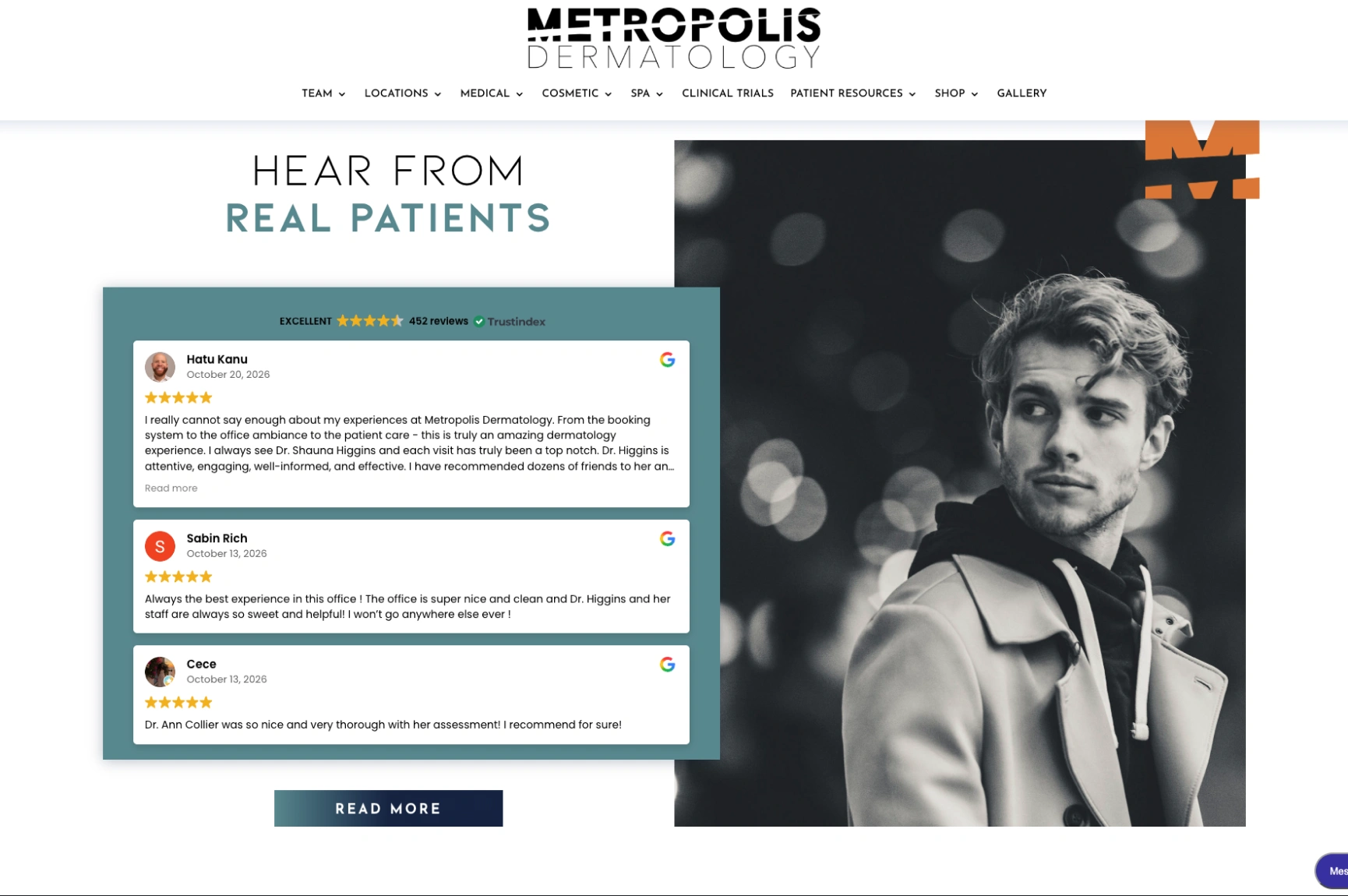
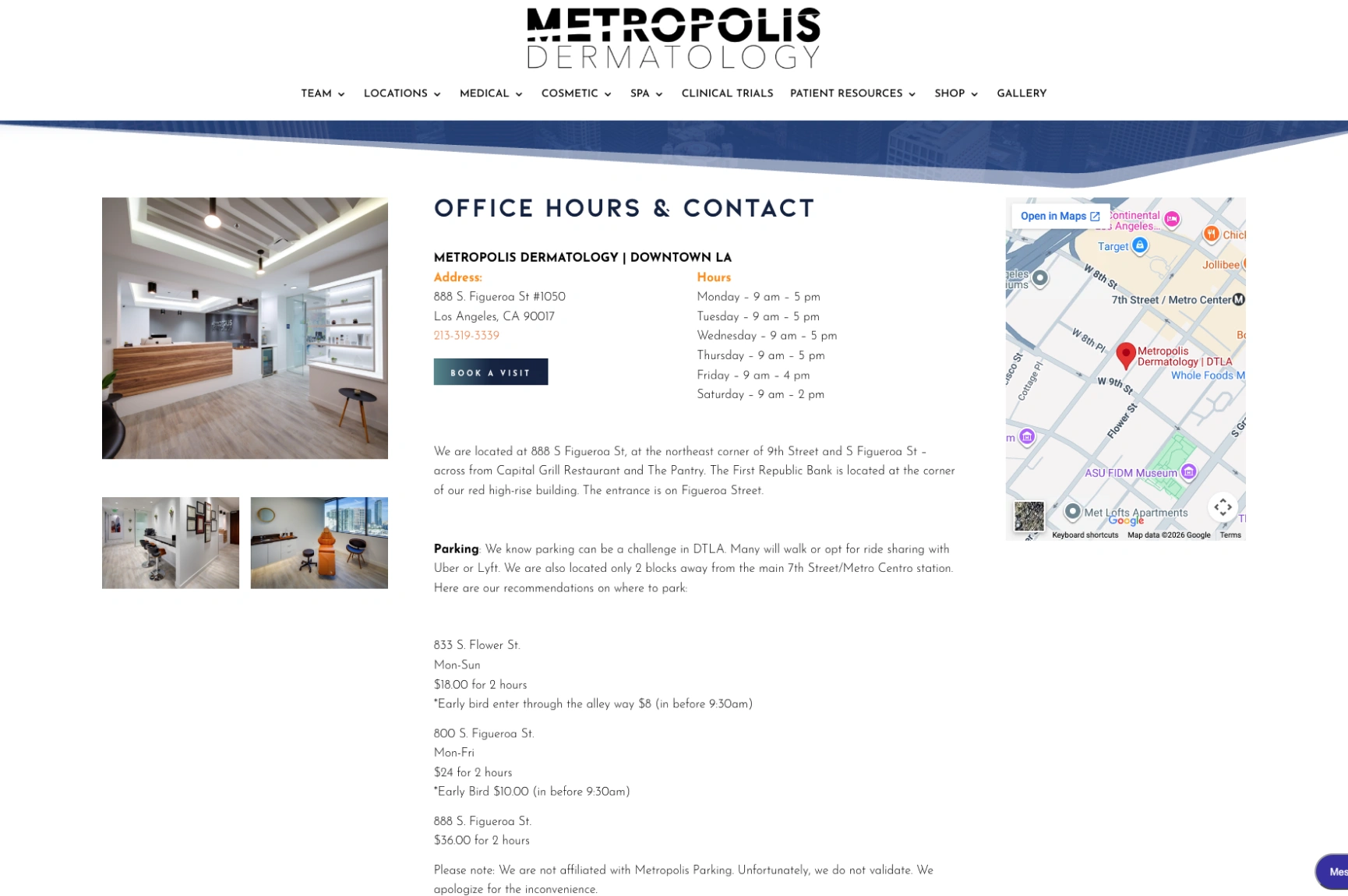
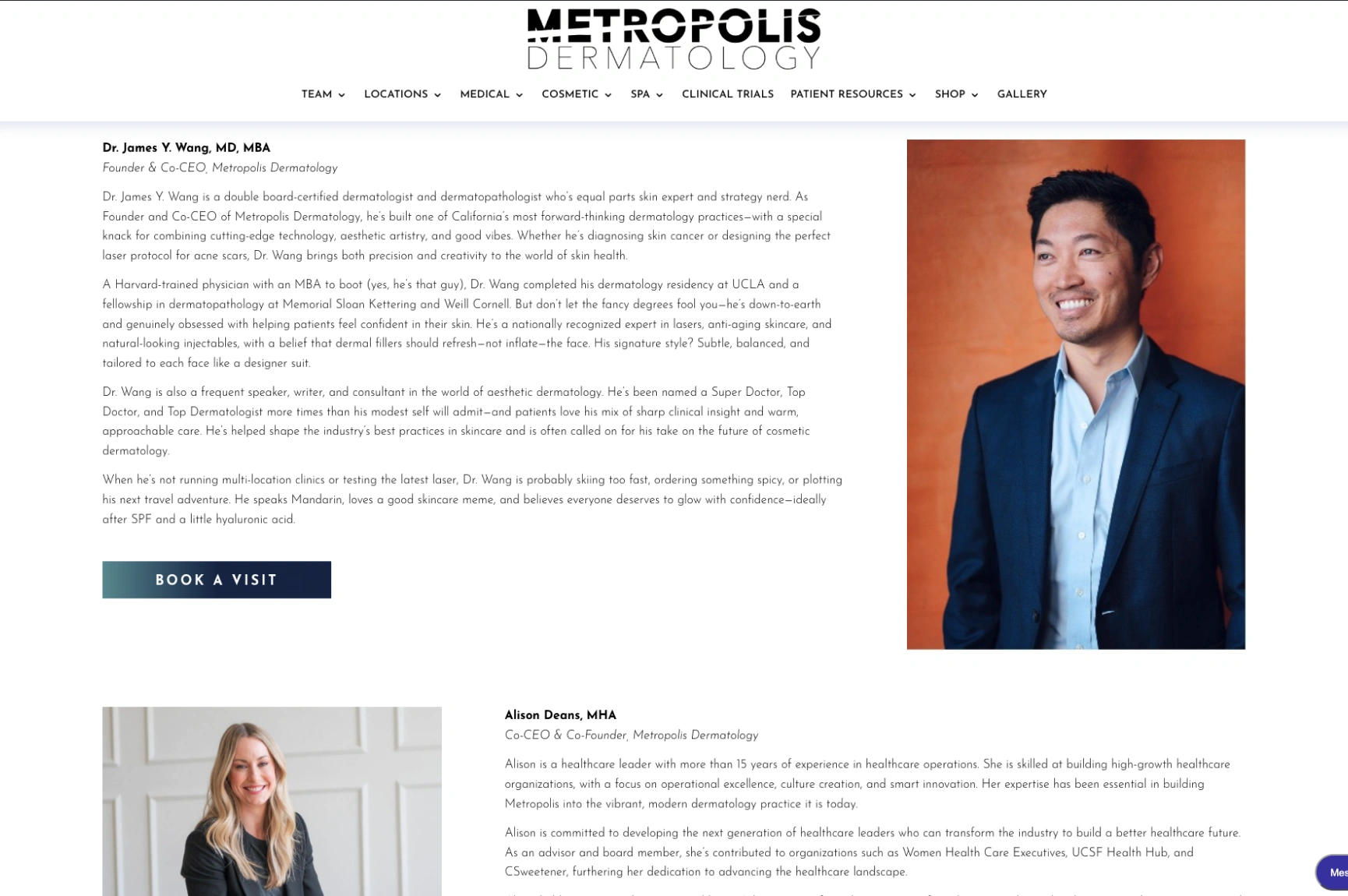
Metropolis Dermatology goes in a different visual direction, with bold typography, expressive photography, and an energetic brand identity. Its headline, “Do. Derm. Differently.”, sets the tone, and the navigation organizes medical dermatology, cosmetic treatments, and other offerings into clear categories. The most useful feature is the location-specific booking.
Visitors can pick from offices in Downtown Los Angeles, Brentwood, Pasadena, Costa Mesa, and San Jose, and each location has its own booking link.
It’s a memorable brand that doesn’t get in the way of function. Patients never have to dig through a general contact page to find the office they want. For any multi-location practice, the takeaway is to let people choose an office and start booking straight from the main navigation.
4. Derm Institute of Chicago: Provider Credentials and Patient Testimonials
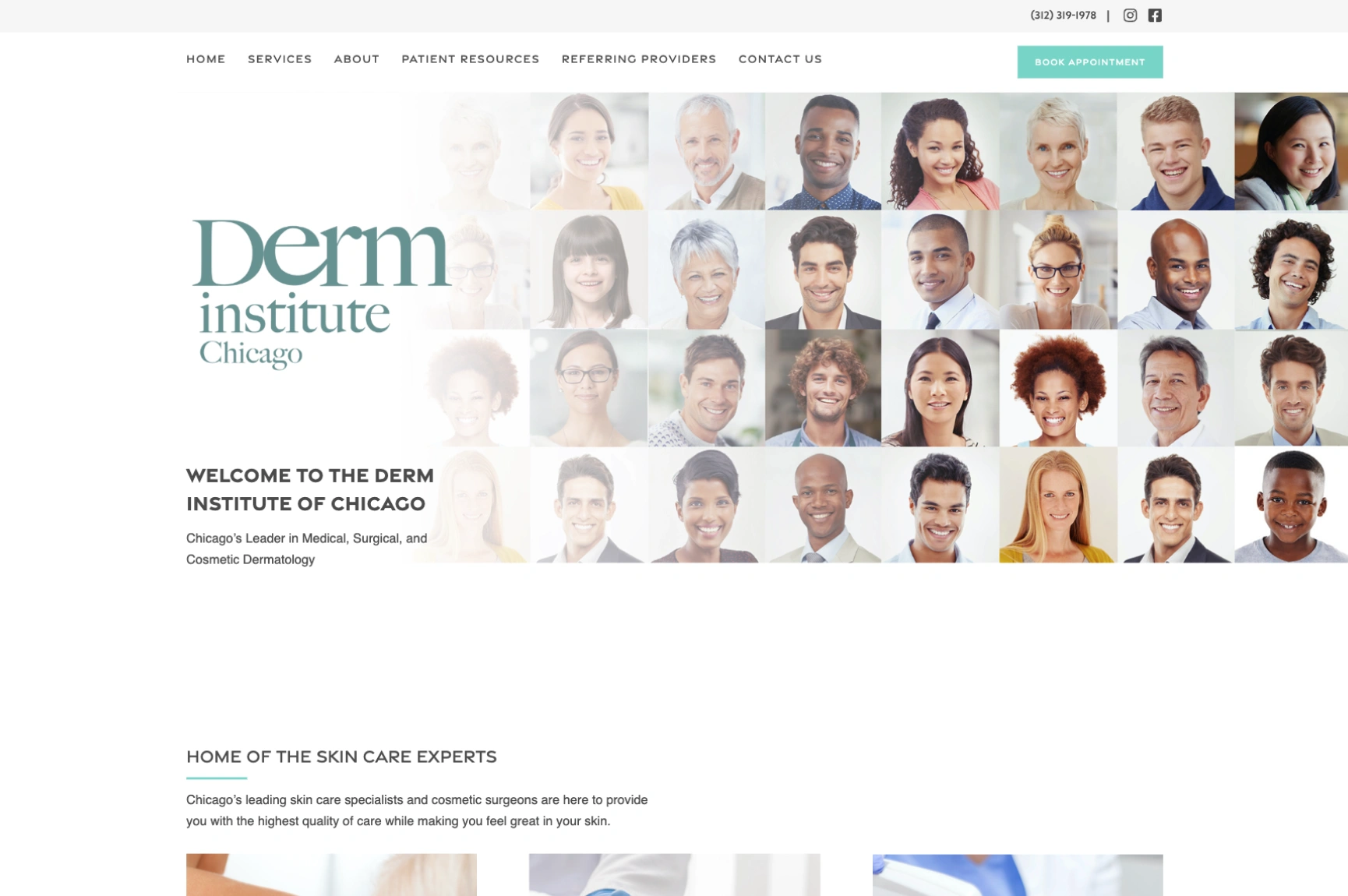
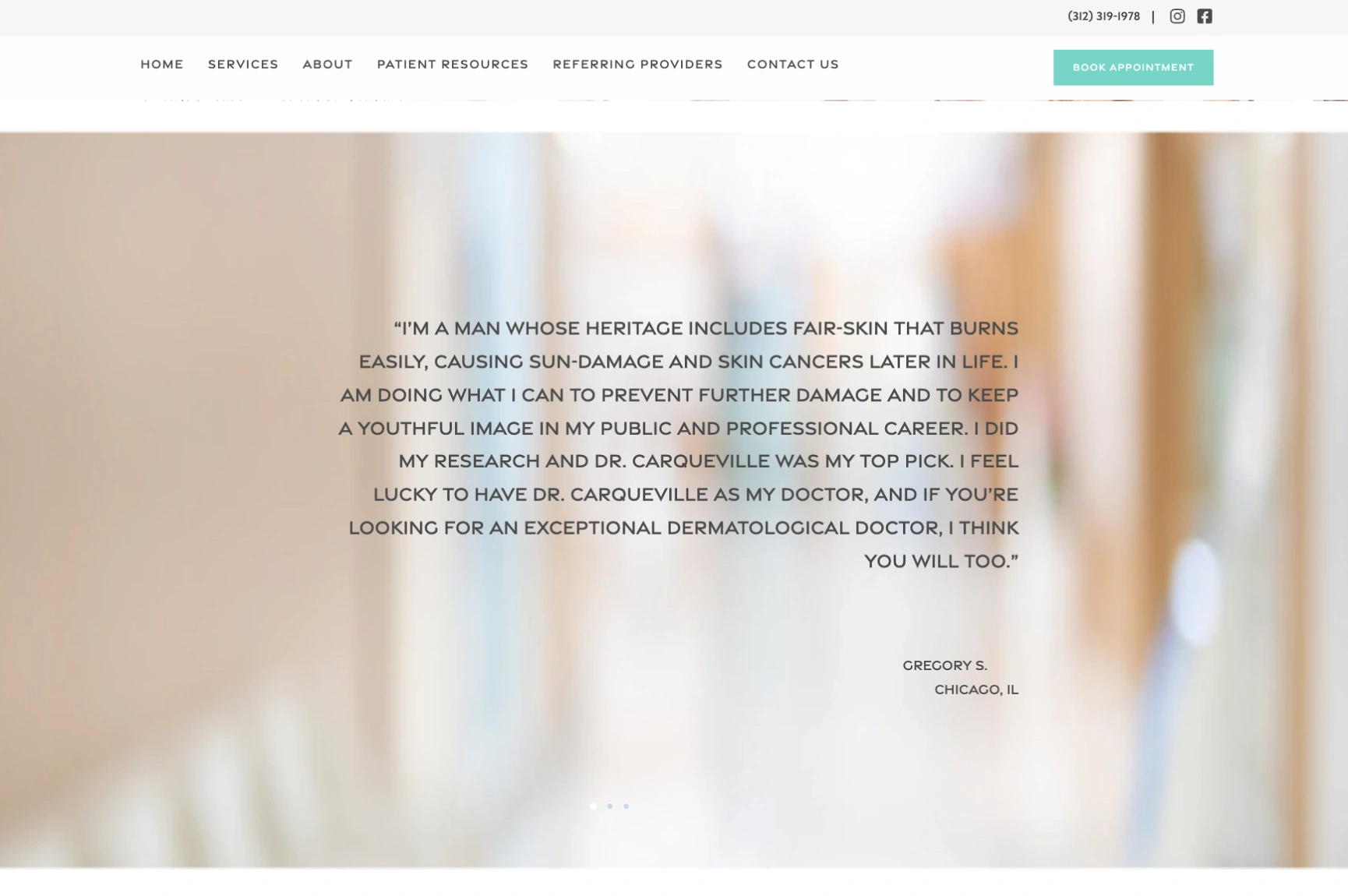
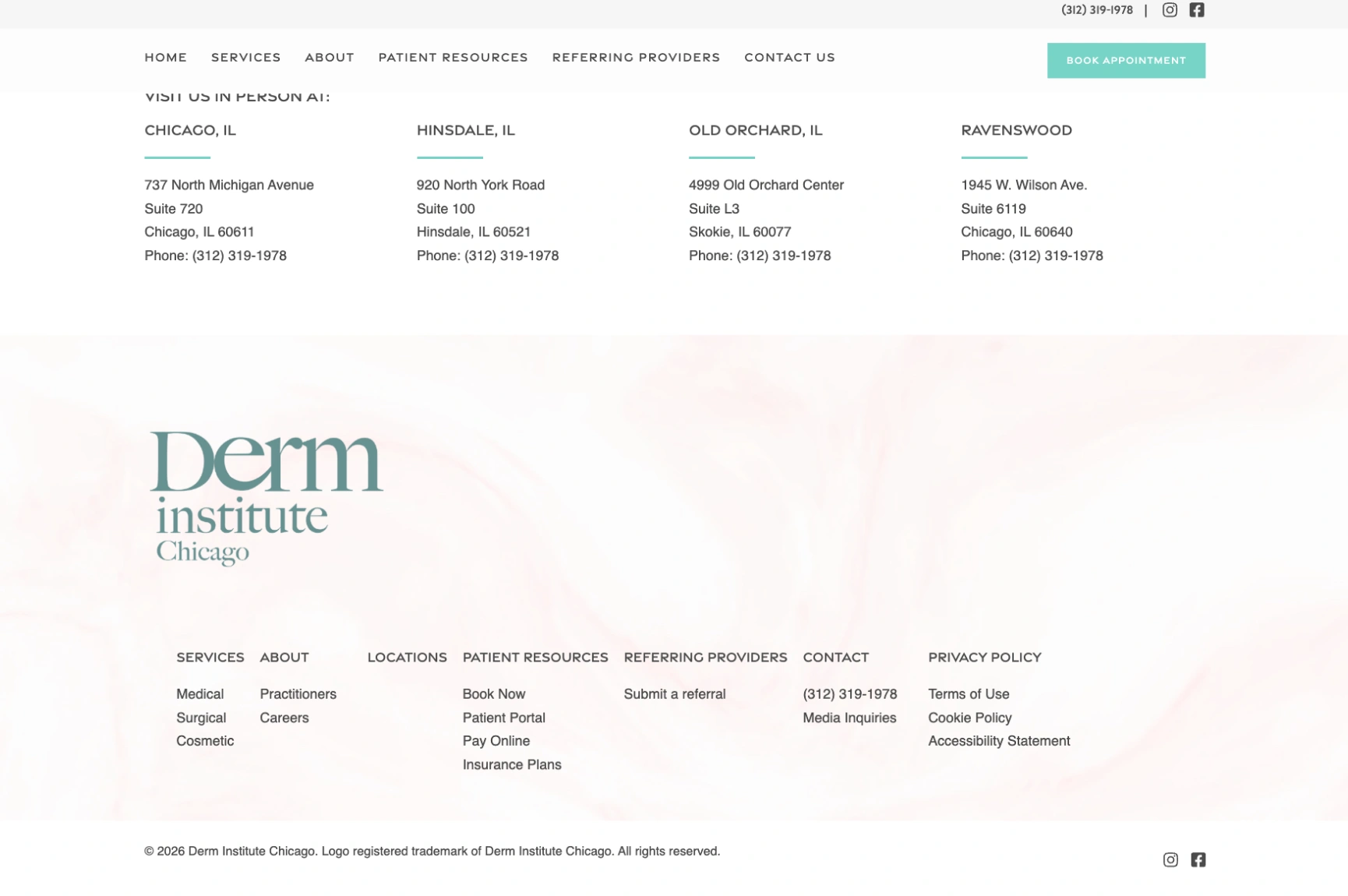
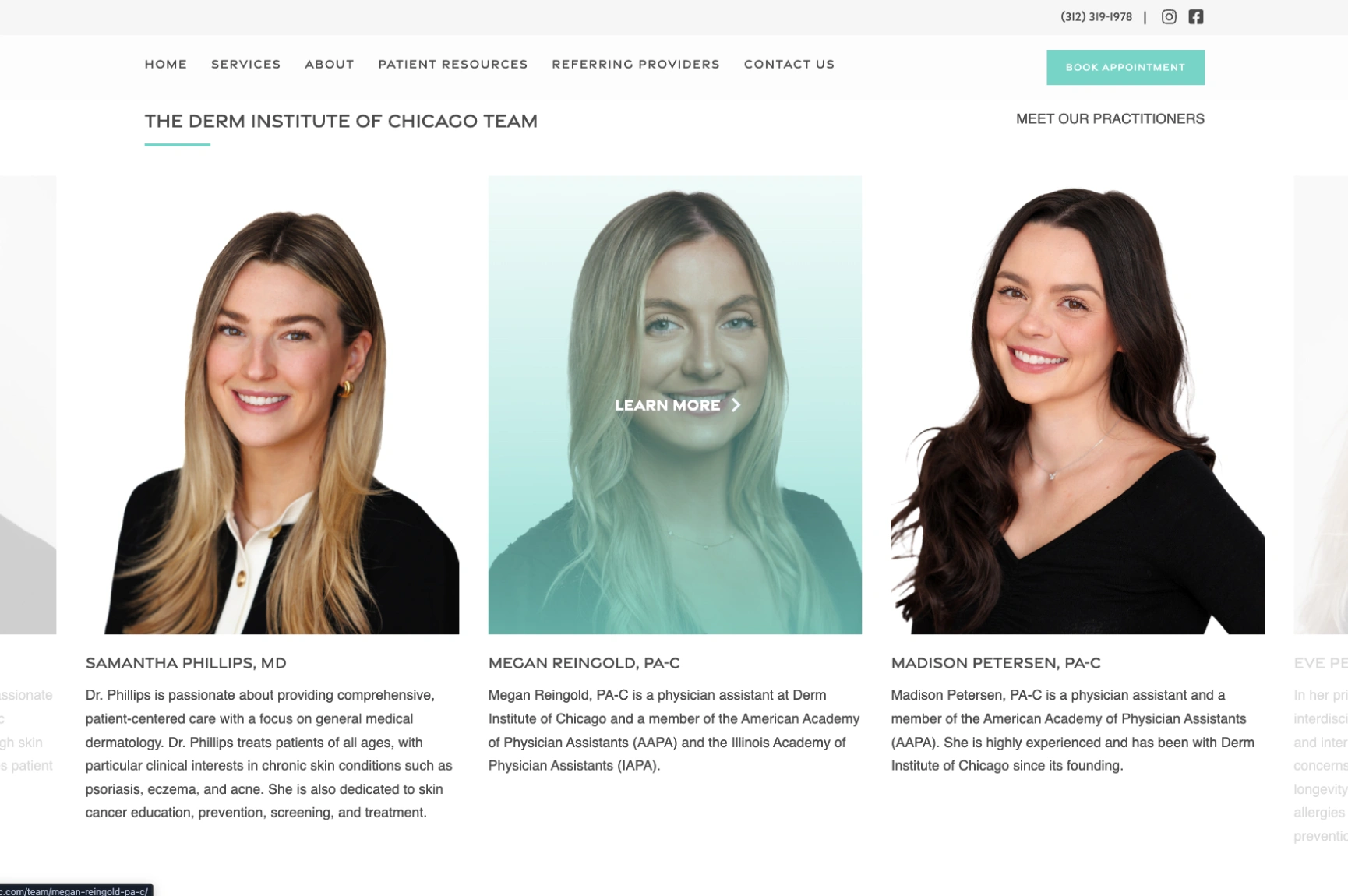
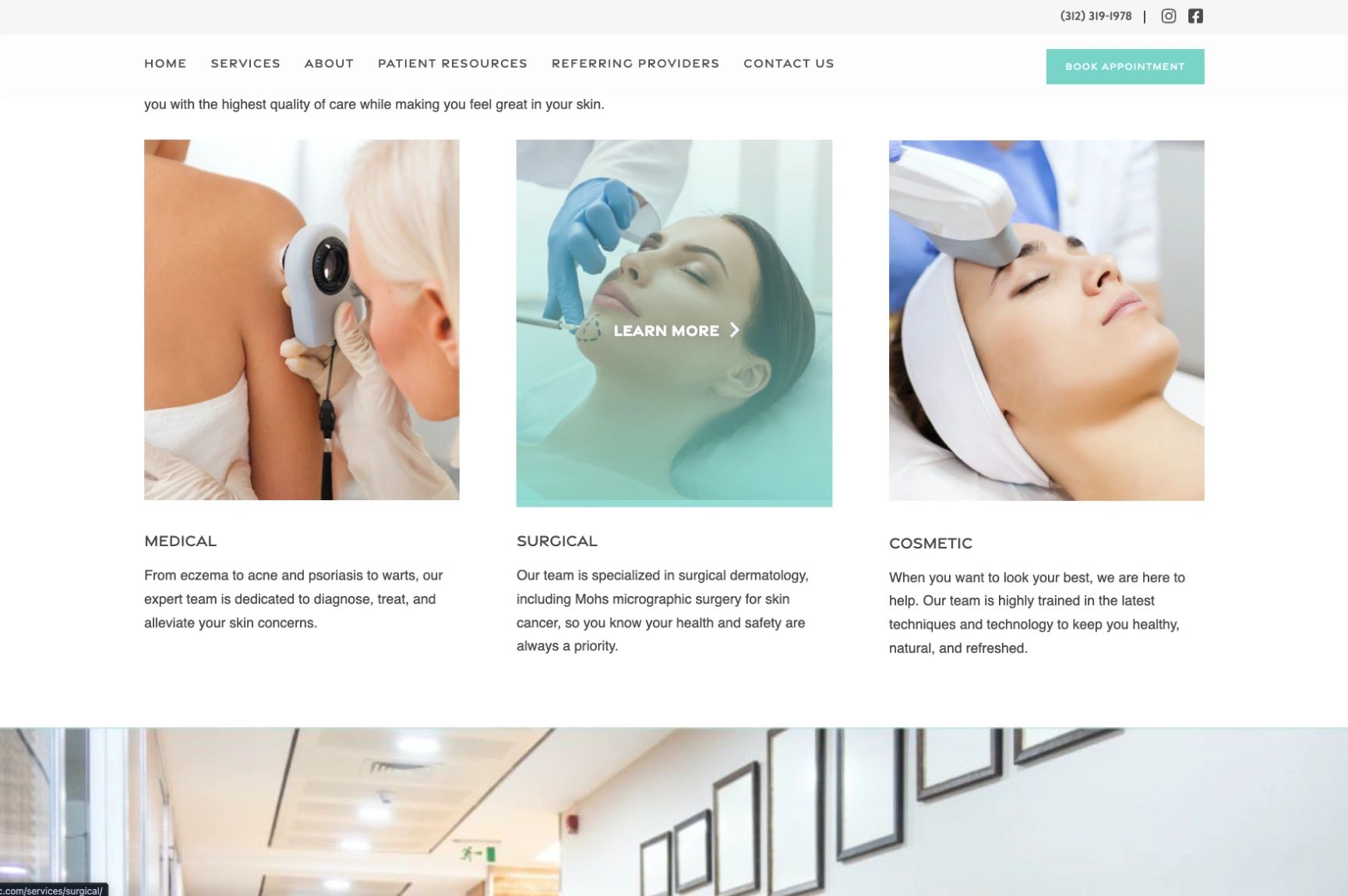
The Derm Institute of Chicago puts real emphasis on its medical expertise and the people providing care. The homepage introduces its medical, surgical, and cosmetic dermatology services, then moves on to its clinicians. Provider profiles cover professional backgrounds, board certifications, and clinical specialties, and the site also features patient testimonials about their experiences.
Their approach answers one of patients’ biggest concerns: who will be treating me, and why should I trust them? Rather than leaning only on attractive visuals, the practice establishes credibility through specific qualifications and real patient stories. You can do the same by giving every dermatologist a dedicated profile with qualifications that are easy to find, then linking those profiles to appointment requests
5. Four Bridges Dermatology: Clear Treatment Categories and Personal Provider Profiles
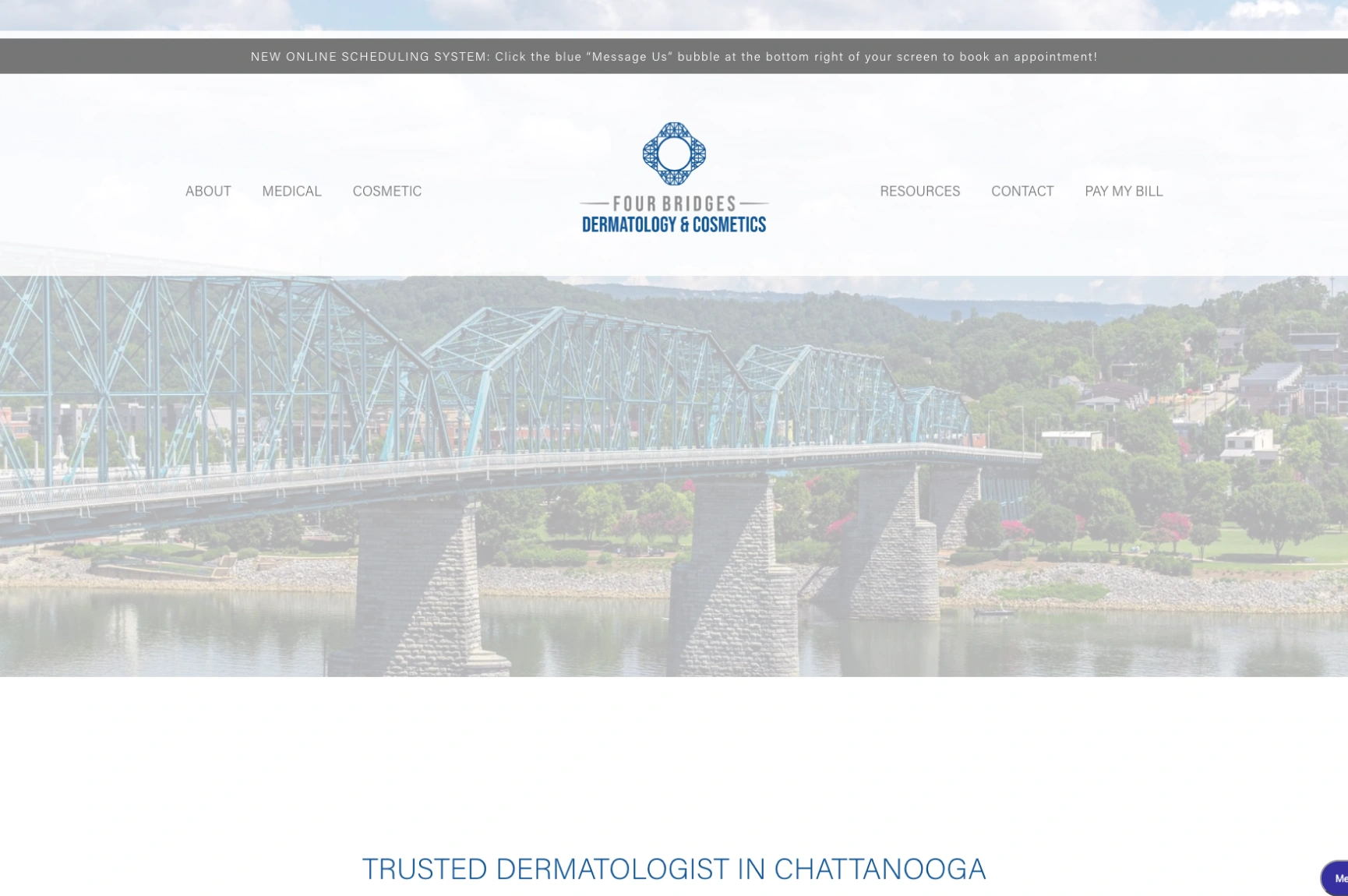
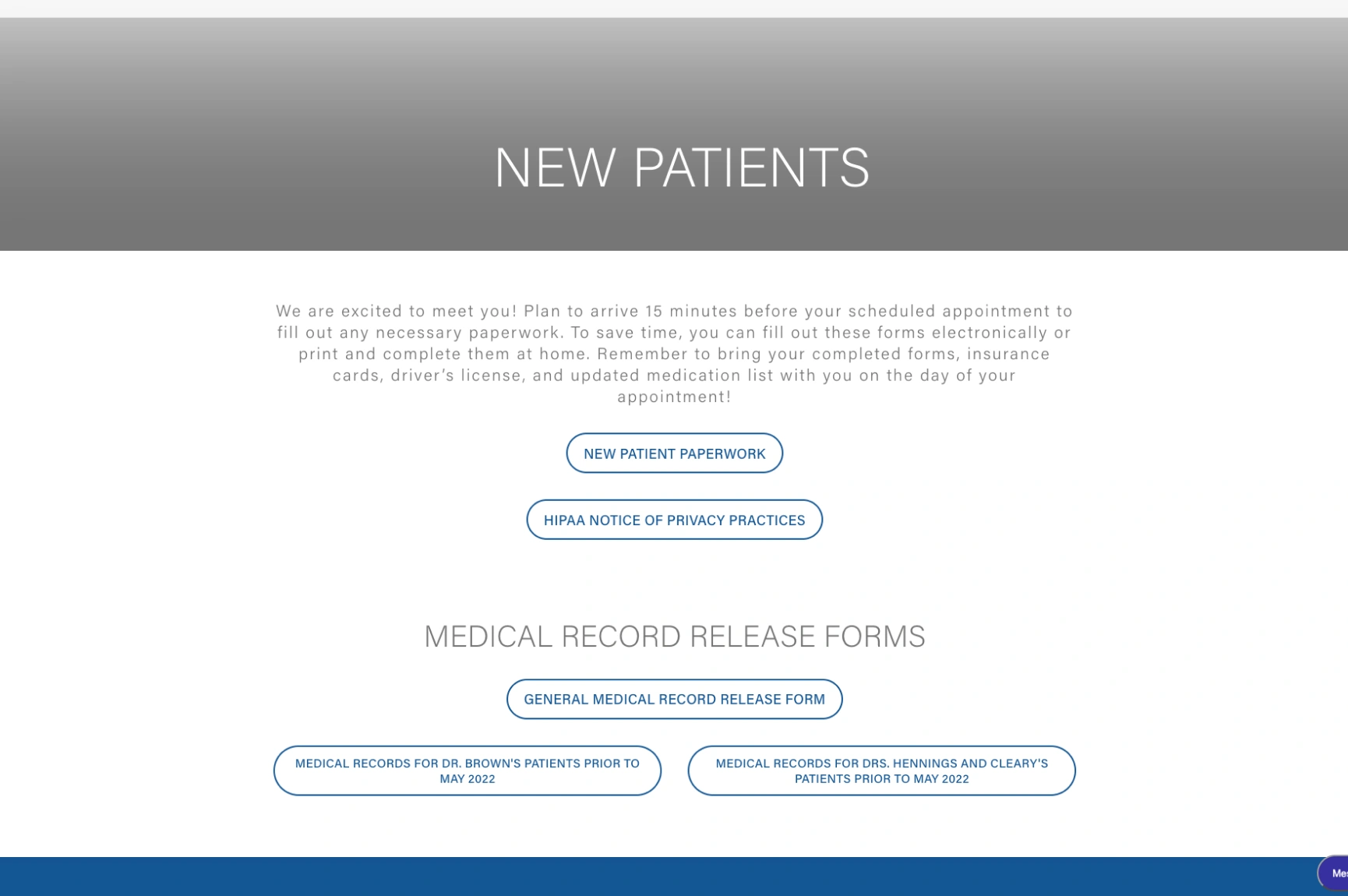
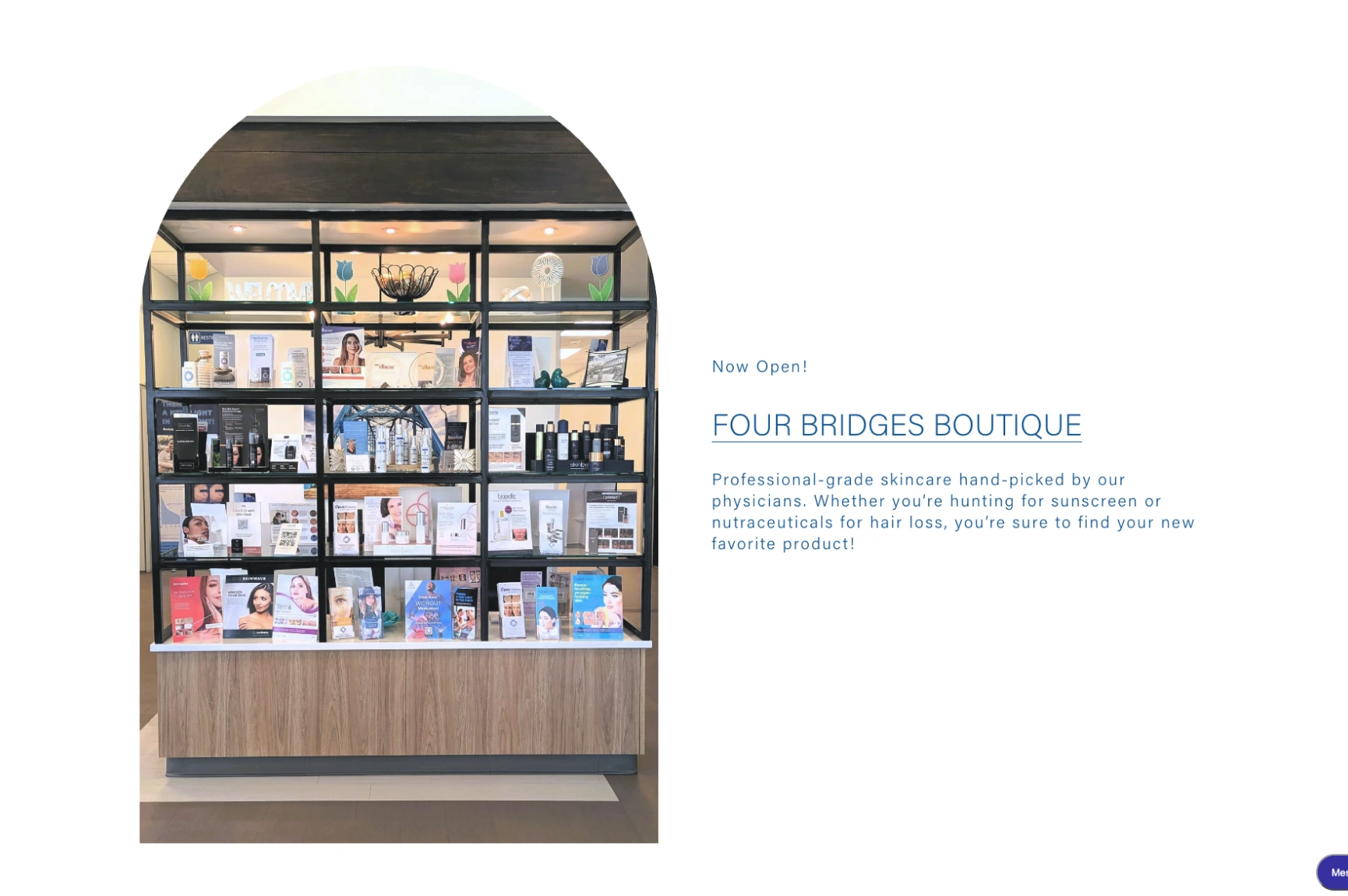
Patients tend to think in terms of their concerns, whether that’s a stubborn breakout or a cosmetic goal, and Four Bridges Dermatology in Chattanooga, Tennessee, organizes its modern-looking site the same way. The navigation separates skin conditions like acne, eczema, and psoriasis from cosmetic procedures such as fillers, microneedling, and laser treatments.
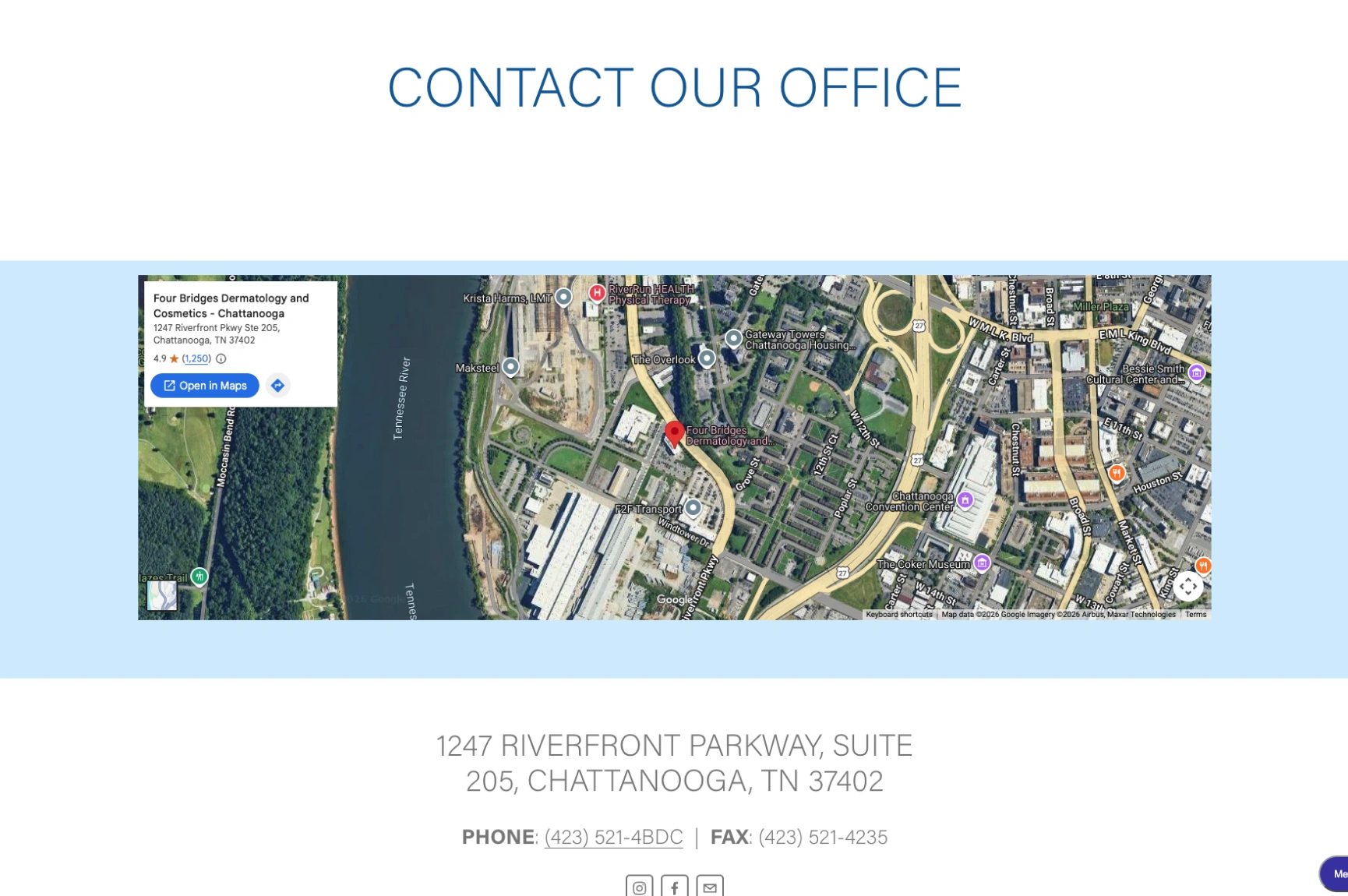
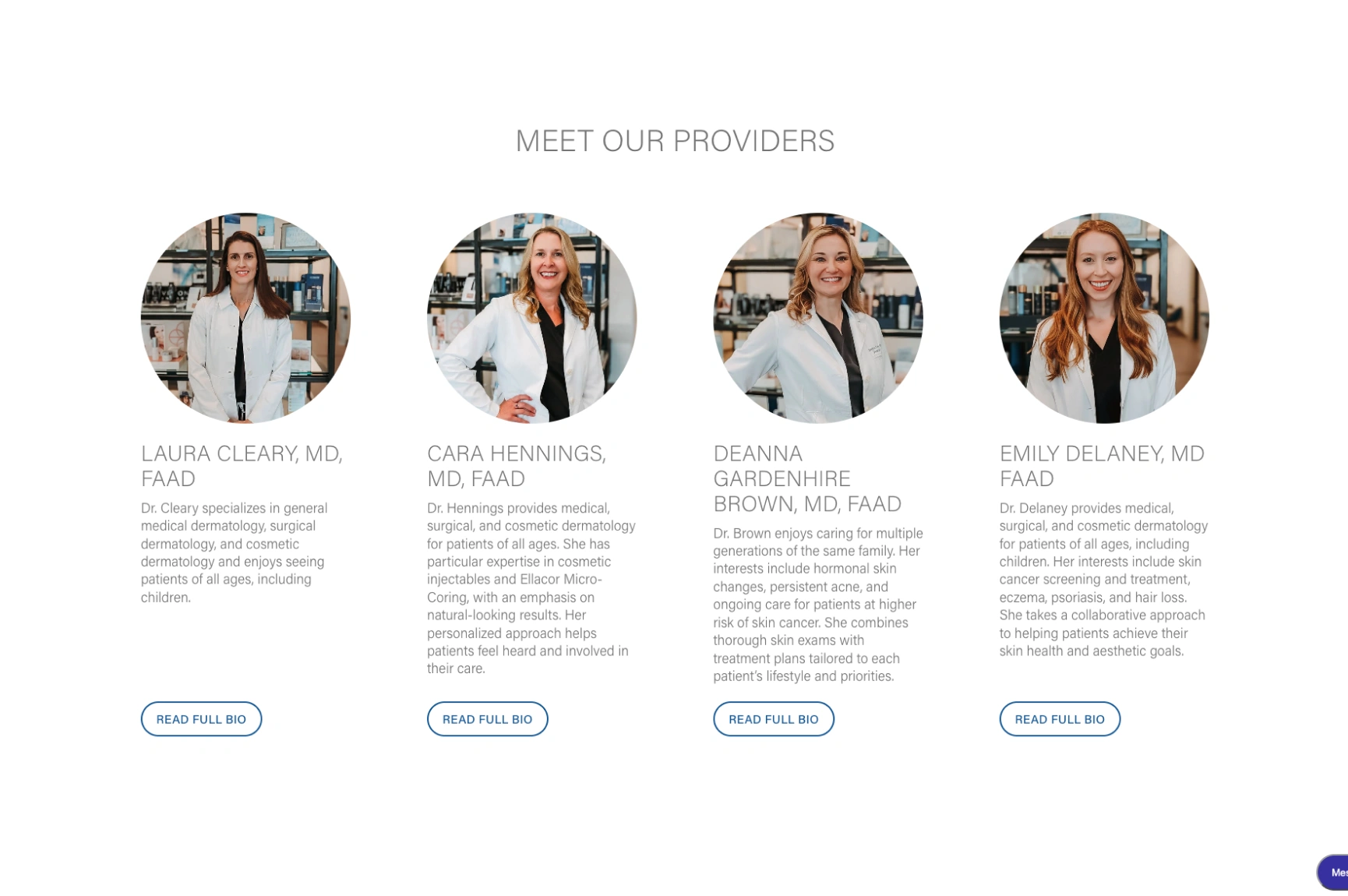
The homepage also introduces the clinicians, with photographs, credentials, and short descriptions of their clinical interests. Visitors can find insurance information, new patient resources, and consultation requests along the way.
The site does a nice job of connecting treatment information with the physicians who provide those services, and it never assumes every visitor is looking for the same thing. A good way to borrow from it is to organize your website around patient concerns, while keeping provider information and helpful resources within easy reach.
6. Park City Dermatology: Insurance Transparency and Practical Patient Information
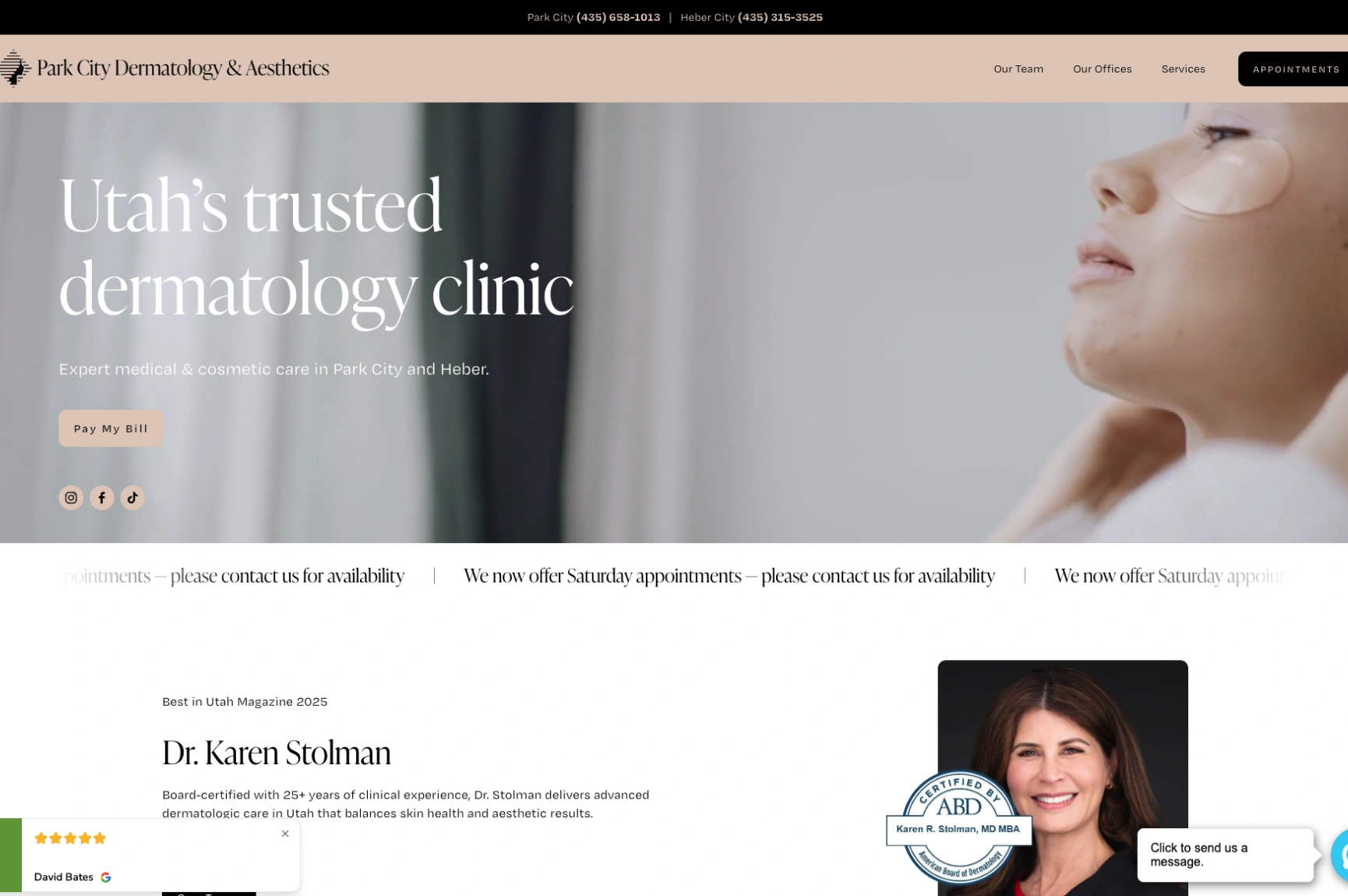
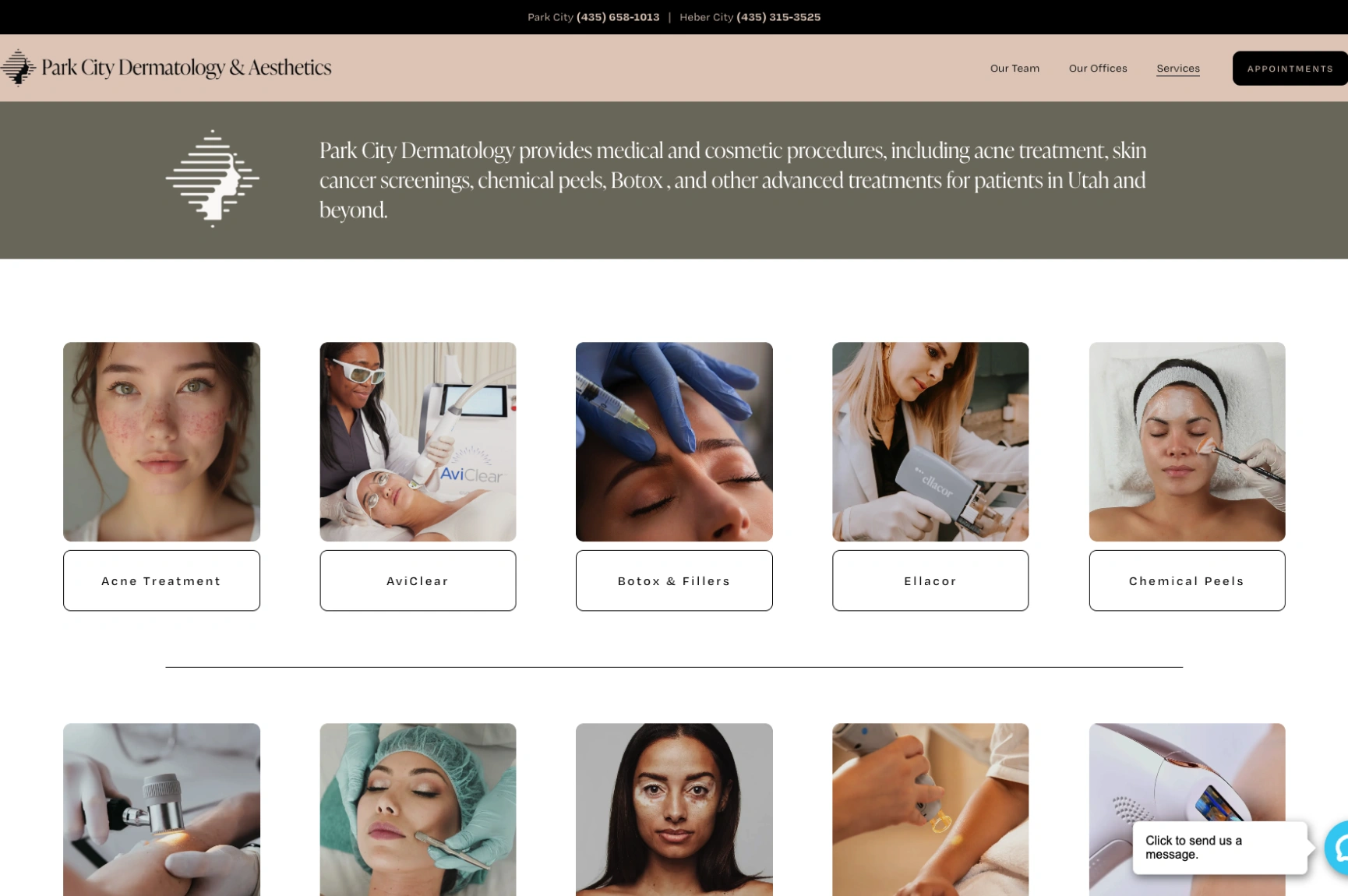
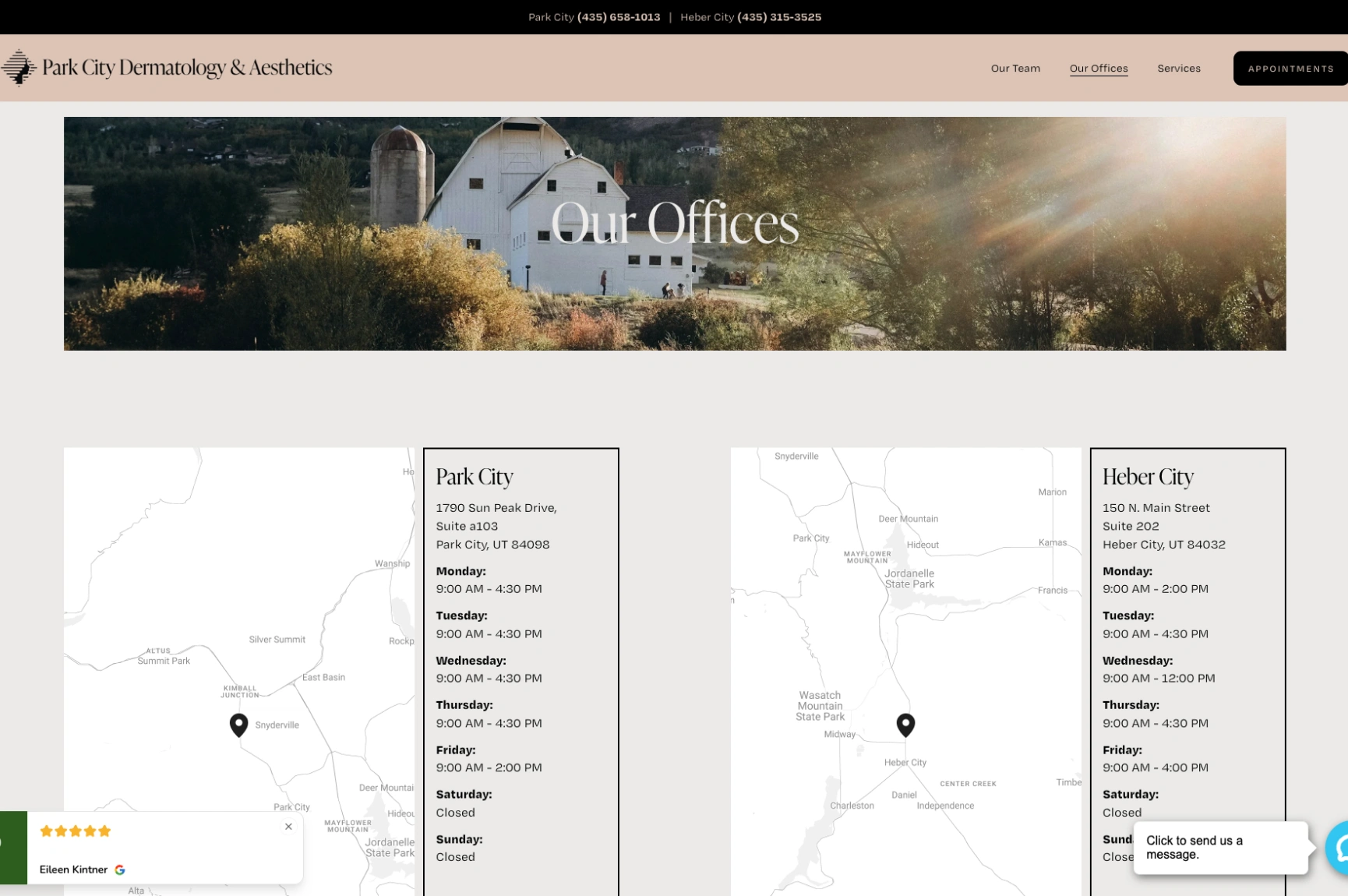
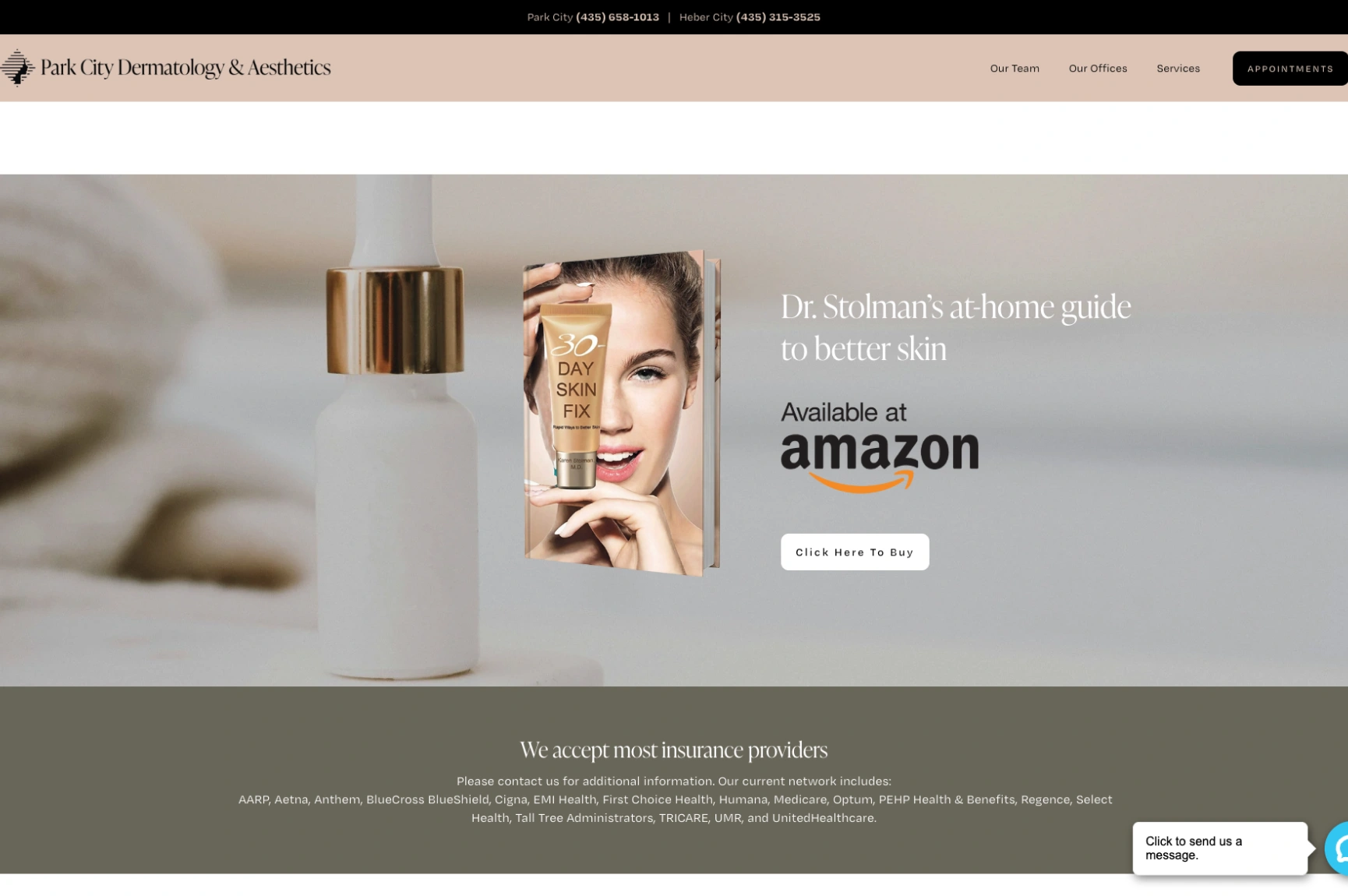
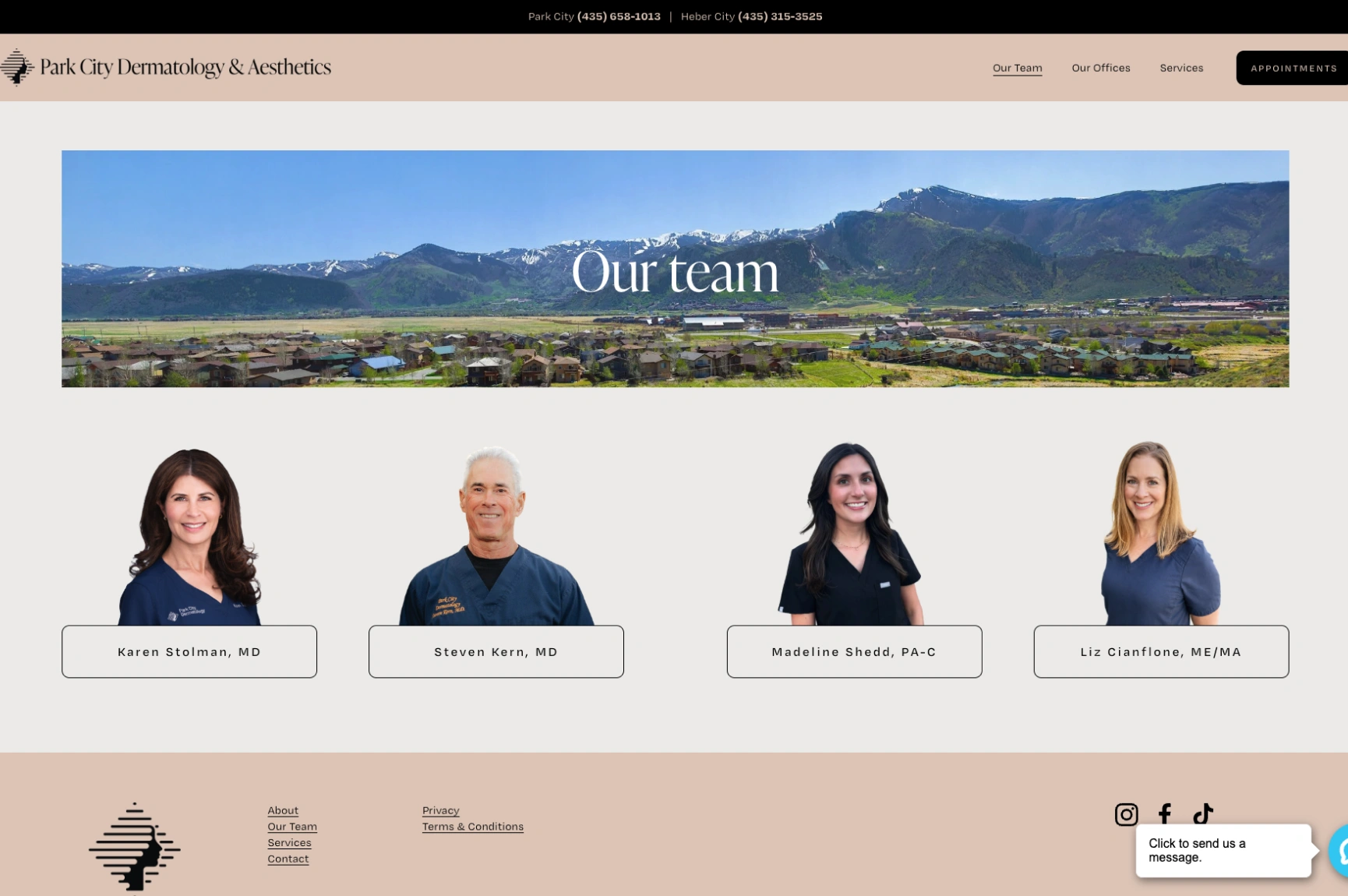
Few things frustrate patients more than having to call an office just to find out whether their insurance might be accepted. Park City Dermatology sidesteps the problem. A section listing accepted insurance providers gives visitors a starting point before they ever pick up the phone.
Beyond this, the homepage introduces its medical and cosmetic dermatology services, highlights the physician’s experience, and shares details about its Park City and Heber City offices. Phone numbers and a chat option make requesting an appointment simple, too.
Insurance coverage and ease of contact are exactly the kinds of practical questions that can decide whether someone reaches out. Consider including an easy-to-find insurance page, clear location details, and information on how patients can request an appointment. Just keep the insurance information current, and remind visitors to verify their specific benefits.
7. Center for Dermatology and Skin Surgery: Organized Patient Resources
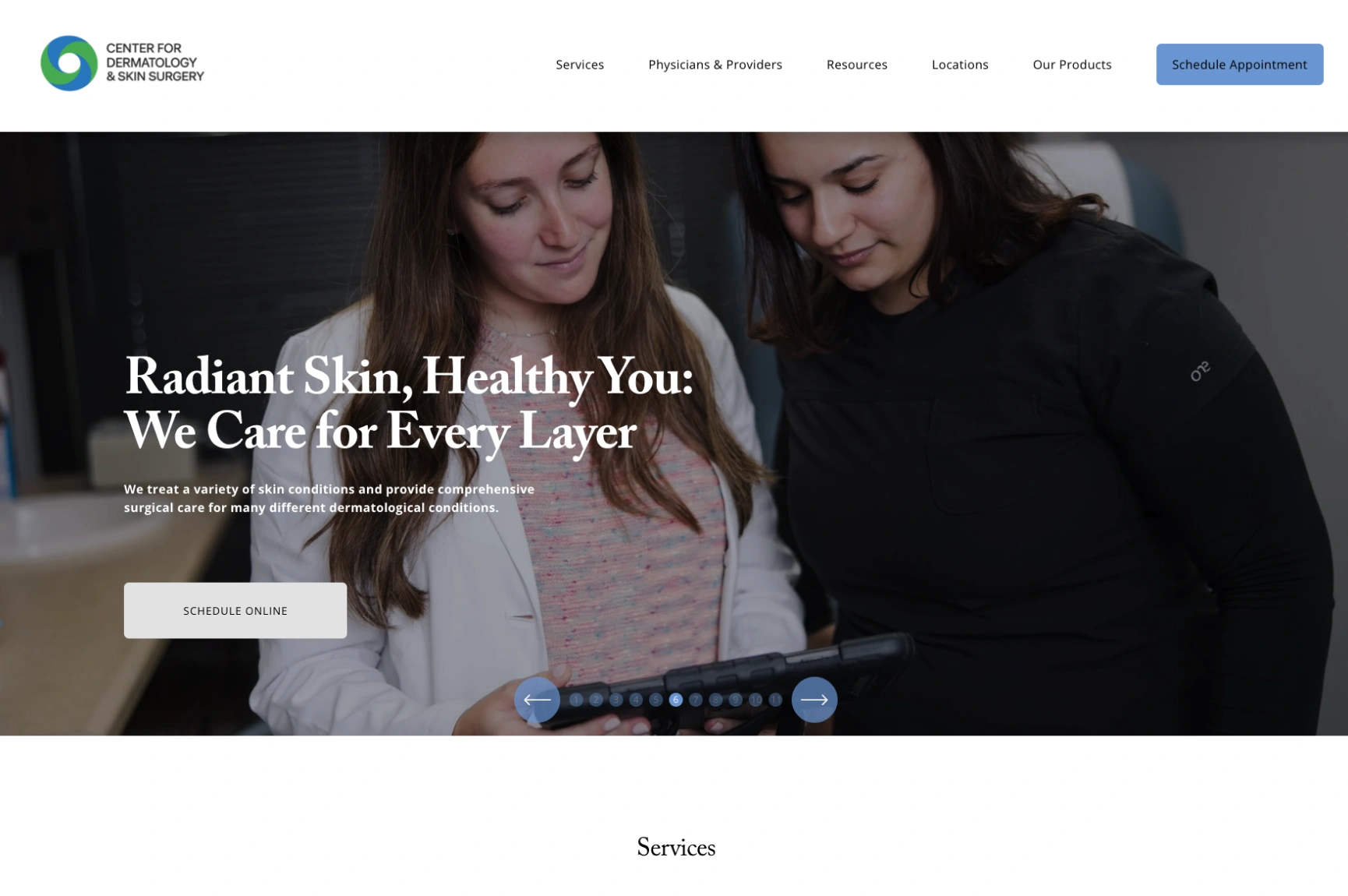
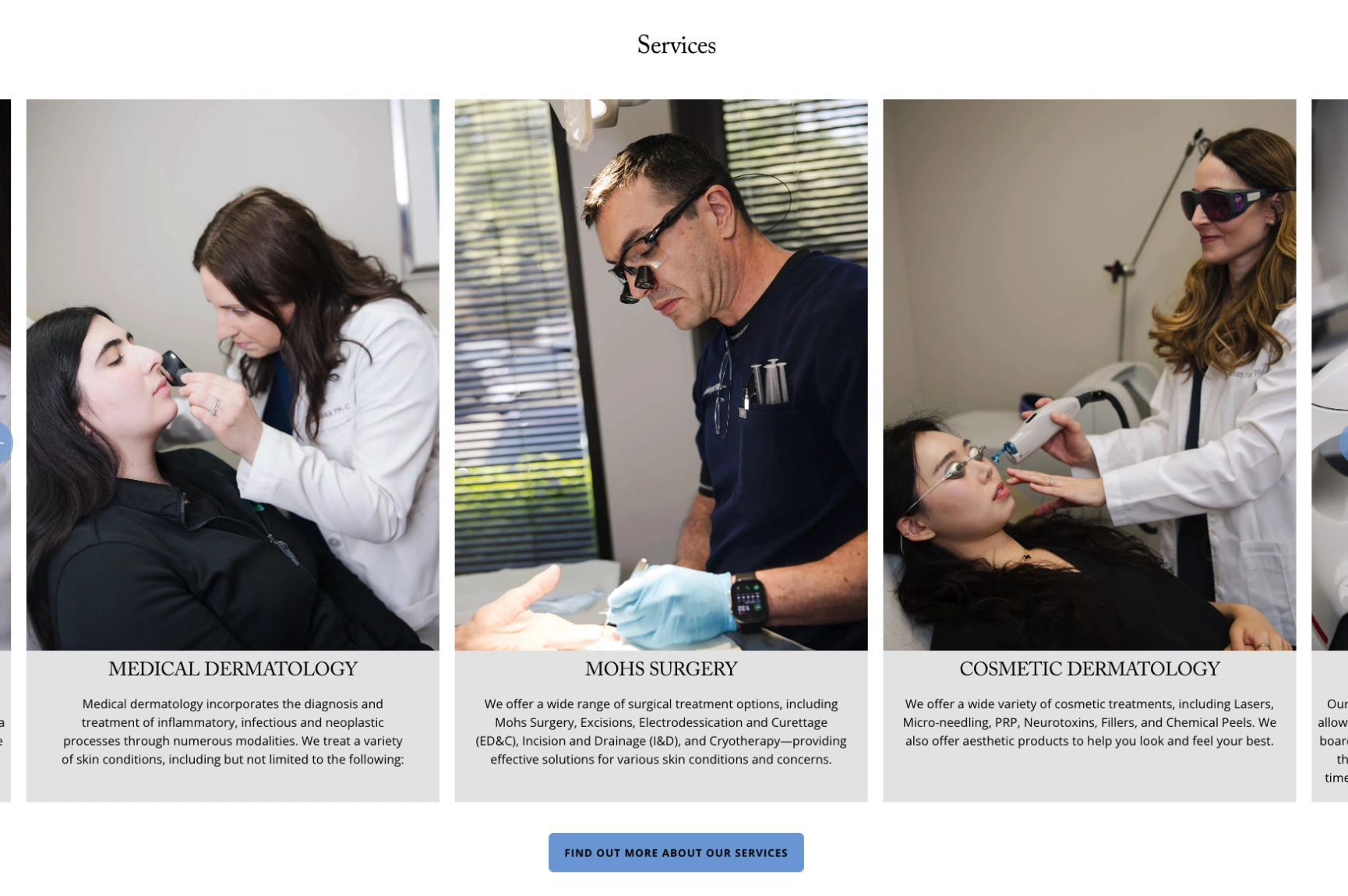
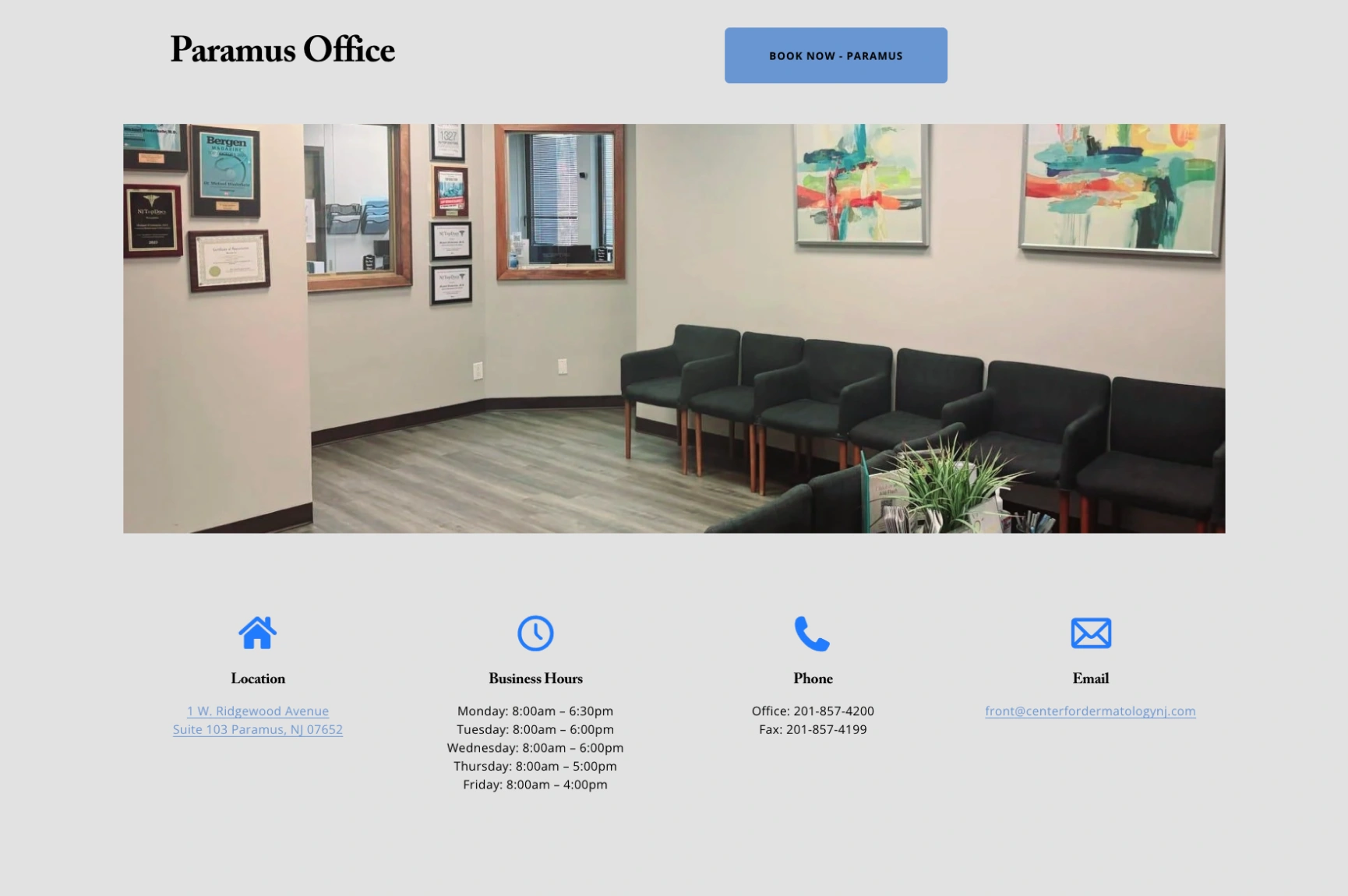
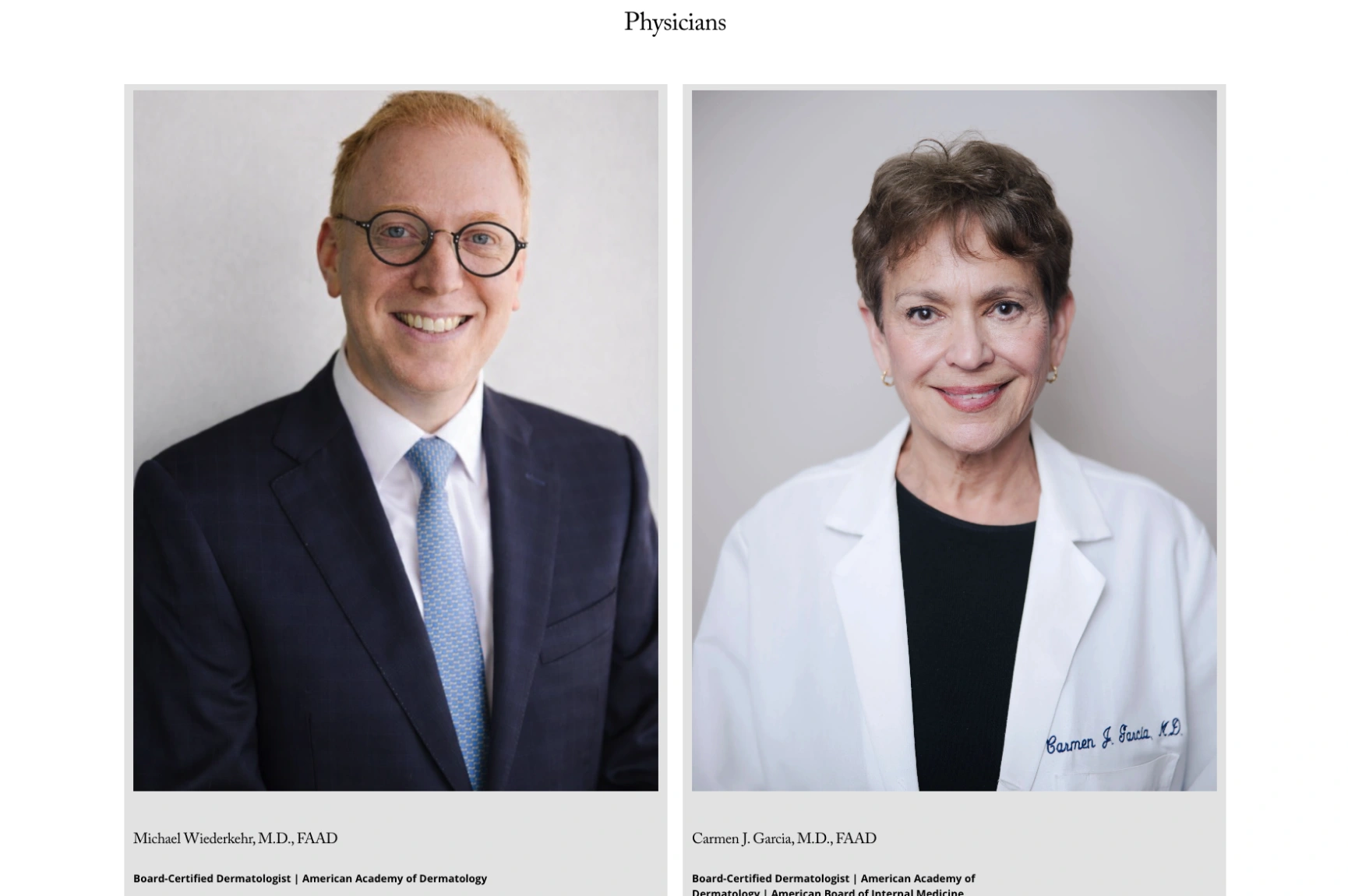
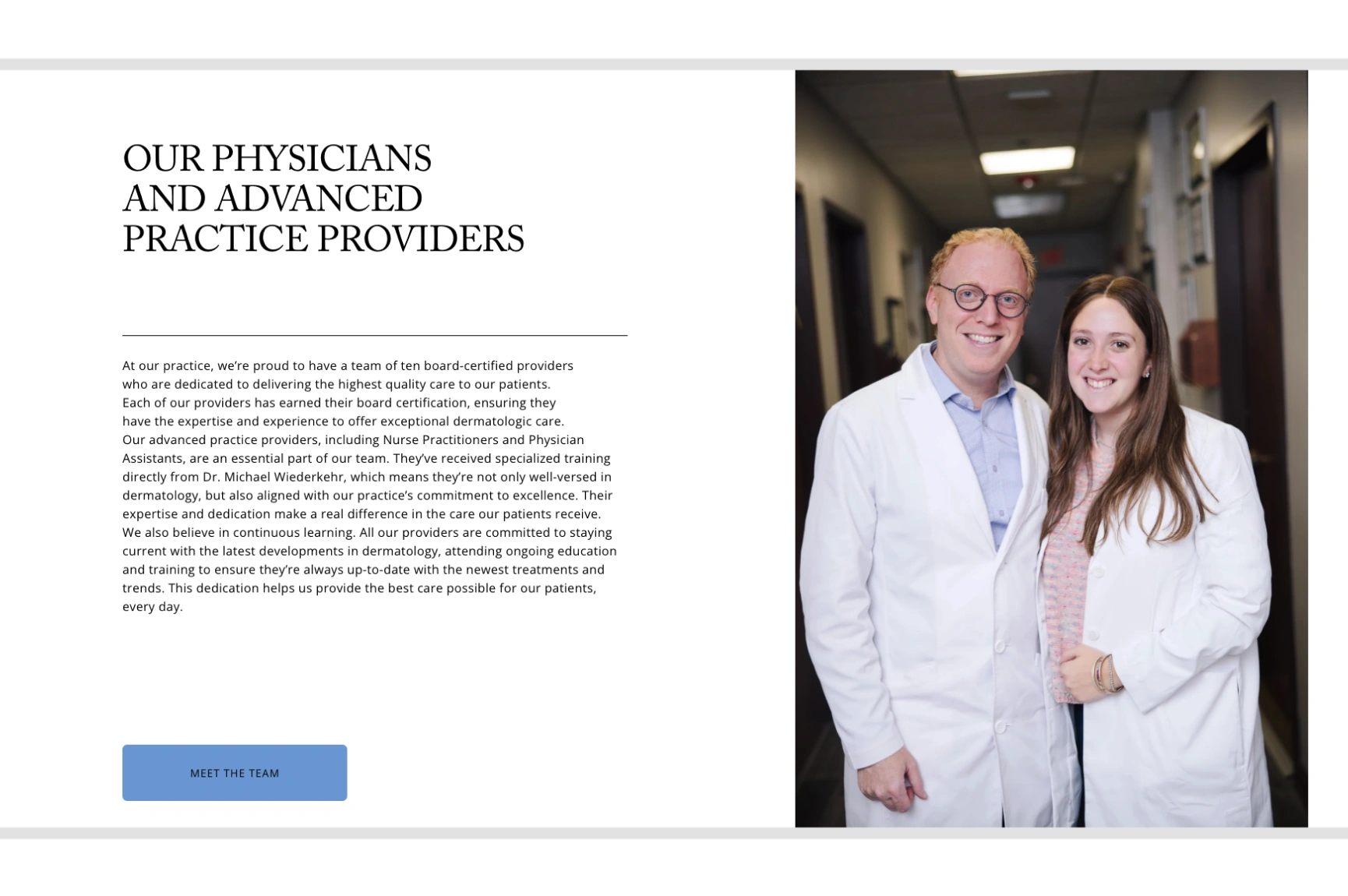
The Center for Dermatology and Skin Surgery shows how a multi-location dermatology website can keep a wide range of information organized. Its navigation separates services, providers, patient resources, and locations, and patients can explore medical dermatology, Mohs surgery, cosmetic dermatology, and dermatopathology through dedicated service sections.
The site also offers insurance information, payment plans, patient forms, post-procedure instructions, and online scheduling.
The structure recognizes that patients need different information at different stages of their care. New visitors can explore treatments and providers, while existing patients can quickly reach administrative resources. To get the same effect, keep patient resources in a dedicated navigation section instead of scattering forms, payment information, and office details across your website.
How to Measure Dermatology Website Conversion Performance
You can’t improve what you don’t measure. Start by defining which actions count as conversions, then follow these steps:
- Define your conversions: Track appointment request forms, phone calls, clicks on online booking links, and completed bookings.
- Set up Google Analytics 4 (GA4): Mark these actions as key events to measure how often they occur.
- Calculate your conversion rate: Divide your conversions by your total sessions or users to establish a baseline for improvement.
- Review page performance: Check which high-traffic pages lose visitors without generating enquiries or bookings. These are good places to start making changes.
- Connect your tracking tools: Where possible, integrate GA4 with call tracking and your scheduling or practice management system to see which enquiries lead to booked appointments.
- Check HIPAA compliance: Since patient information may be involved, consult your compliance advisor to ensure your tracking setup meets HIPAA requirements.
These insights help you identify what’s working, fix gaps, and turn more website visitors into booked appointments.
FAQs About Dermatology Website Design
1. What should a good dermatology website include?
A good dermatology website should have dedicated treatment pages, detailed provider profiles, authentic patient reviews, clear contact information, and simple appointment booking options. It should also load quickly, work well on mobile devices, and make information easy to find.
2. How can a dermatology website attract more patients?
Publish helpful treatment content, optimize your pages for relevant local searches, and keep your Google Business Profile accurate. Once visitors reach your website, clear navigation, trustworthy information, and convenient booking options can encourage more appointment inquiries.
3. Why is mobile-friendly design important for dermatologists?
Many patients research and book care on their phones. If your site is hard to use on a small screen, those patients can easily switch to another practice, even when yours is the better fit.
4. How can dermatologists improve website conversion rates?
Make your calls to action prominent, shorten your forms, add click-to-call buttons, show trust signals, and use analytics to find the pages where visitors drop off.
5. What makes medical website design effective?
Effective medical website design stays clear, credible, accessible, and focused on patient needs. It helps visitors find information quickly and makes the next step obvious.
Turn More Website Visitors Into Patients
A responsive dermatology website design should help prospective patients find answers, feel confident in your providers, and book appointments without unnecessary friction.
Start by reviewing your website from a patient’s perspective. Can visitors find the treatment they need? Are your providers’ qualifications easy to access? Is booking an appointment just as simple on a phone as it is on a desktop? Small improvements in these areas can help turn more interested visitors into appointment inquiries.
Alpha Key Digital helps dermatology practices strengthen their online presence through website design and digital marketing. Contact us to learn how a better website can help your practice attract and convert more patients.